



AI Voice Agent
Never miss another call.
Learn more


AI Voice Agent
Never miss another call.
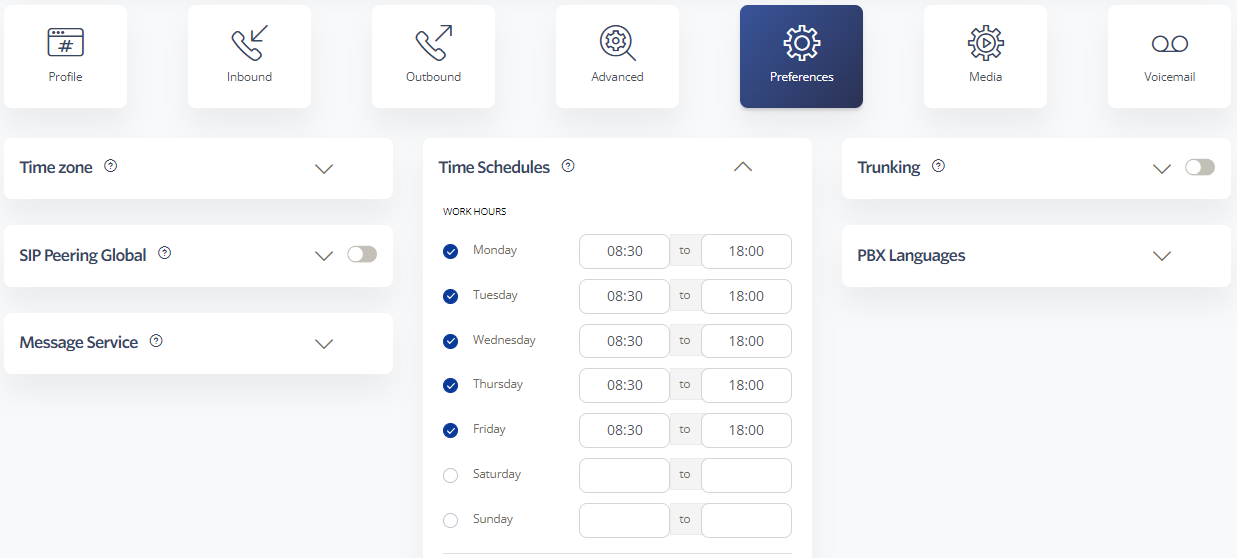
Use Time Schedules to route incoming calls based on your business hours. You can combine Time Schedules with features like Simultaneous Ring to handle different scenarios—such as weekends and public holidays—automatically.
Configure time-based rules for each of your numbers. The following schedule types are available:
Time Schedules integrate with all inbound calling features.
Select Preferences > Time Schedules.
Configure your schedules.
Click Save.
You can apply Time Schedules to the following features to ensure calls are handled appropriately:








