



AI Voice Agent
Never miss another call.
Learn more


AI Voice Agent
Never miss another call.
Your Cloud PBX supports multiple languages. Choose from English (5 regions), Español, and Portuguese.
Click your User Icon in the top right of your Cloud PBX (your initials).
From the dropdown, select Your account.
On the Your details screen, select your preferred language.
Click Save. The change applies immediately when you navigate to other pages.

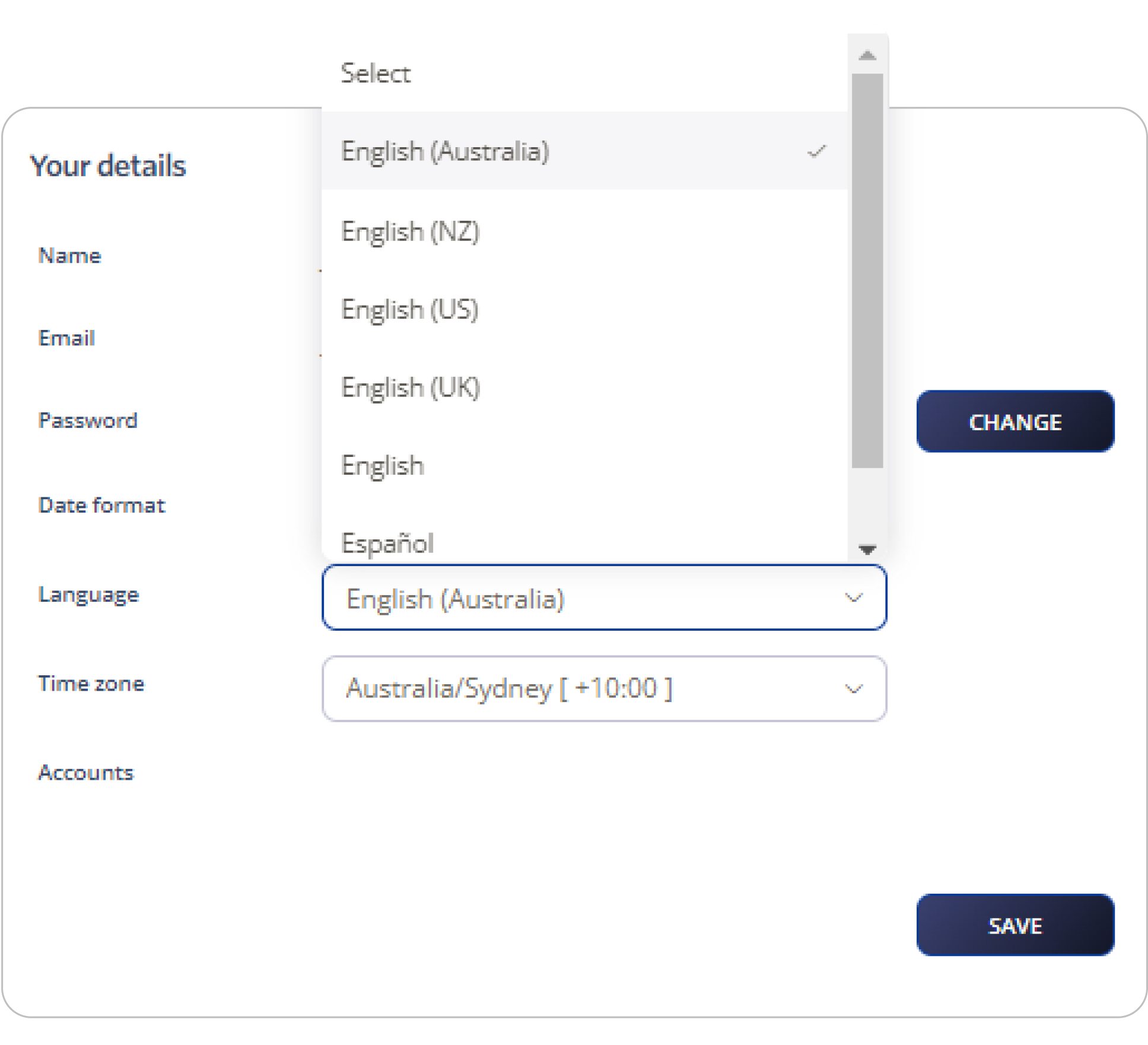
Note: From your account details, you can also change your timezone.








