AI Voice Agent
Never miss another call.
Learn more


AI Voice Agent
Never miss another call.
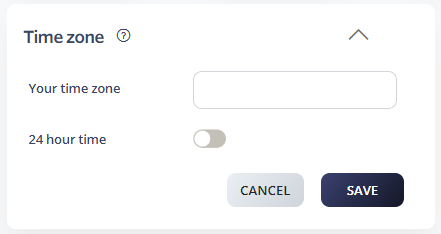
Set the time zone for your number. You can choose from all world time zones and optionally enable 24-hour time display.
Select Switchboard > Number.
Select Preferences > Time Zone.
Choose your time zone from the dropdown.
Optionally enable 24-hour time display.
Click Save.