








Your Cloud PBX supports multiple languages. Choose from English (5 regions), Español, and Portuguese.
Switch languages
-
Click your User Icon in the top right of your Cloud PBX (your initials).
-
From the dropdown, select Your account.
-
On the Your details screen, select your preferred language.
-
Click Save. The change applies immediately when you navigate to other pages.

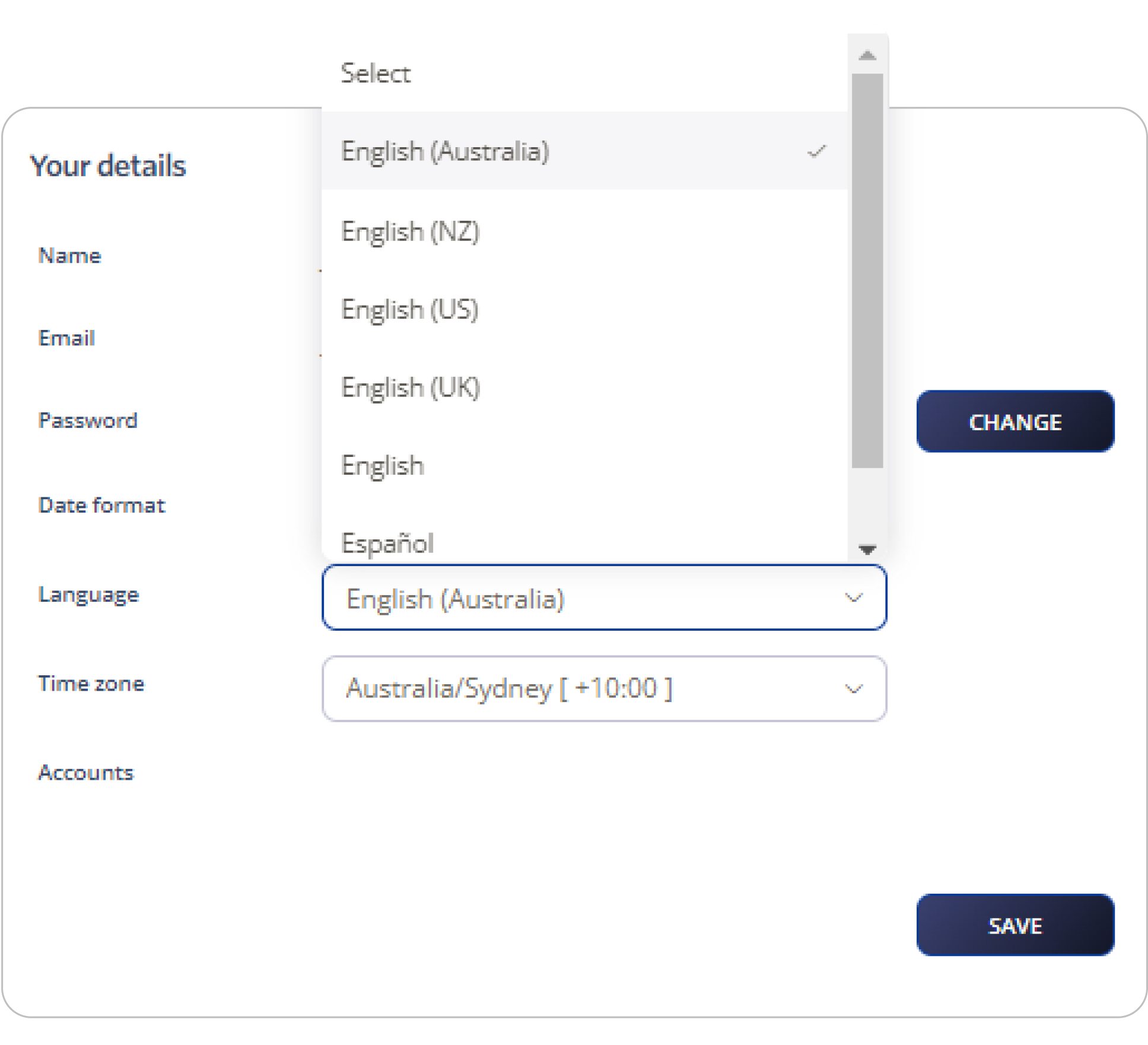
Note: From your account details, you can also change your timezone.