








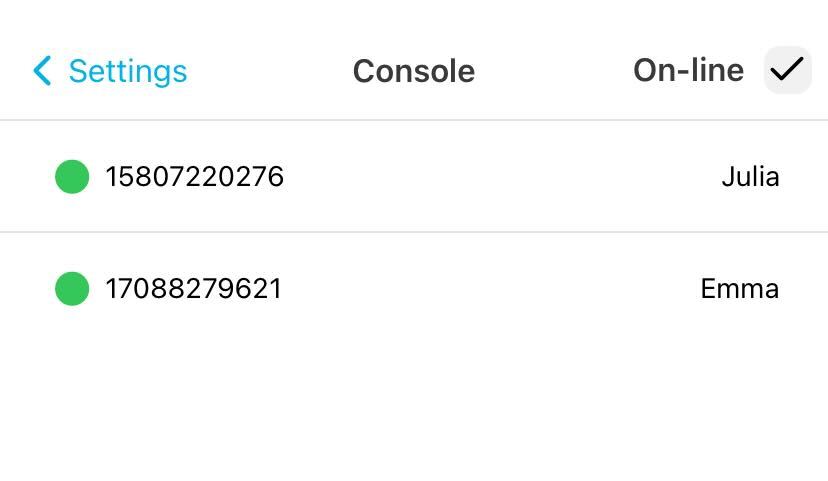
Console shows all lines on your account and their current login status, indicating which numbers are active and available.
Check your lines in Console
-
Go to Settings > Console.
-
All online lines are displayed by default.
-
To view only offline lines, toggle the Online checkbox at the top right.
A green indicator means the line is available; black means it is unavailable. You can make an outbound call by tapping any line.
Make a call from Console
-
Log in to the Web App.
-
Go to Settings > Console.
-
Tap the line you want to use for the call.