



AI Voice Agent
Never miss another call.
Learn more


AI Voice Agent
Never miss another call.
The History page tracks all calls, missed calls, and video conferences on your app.
Log in to the app.
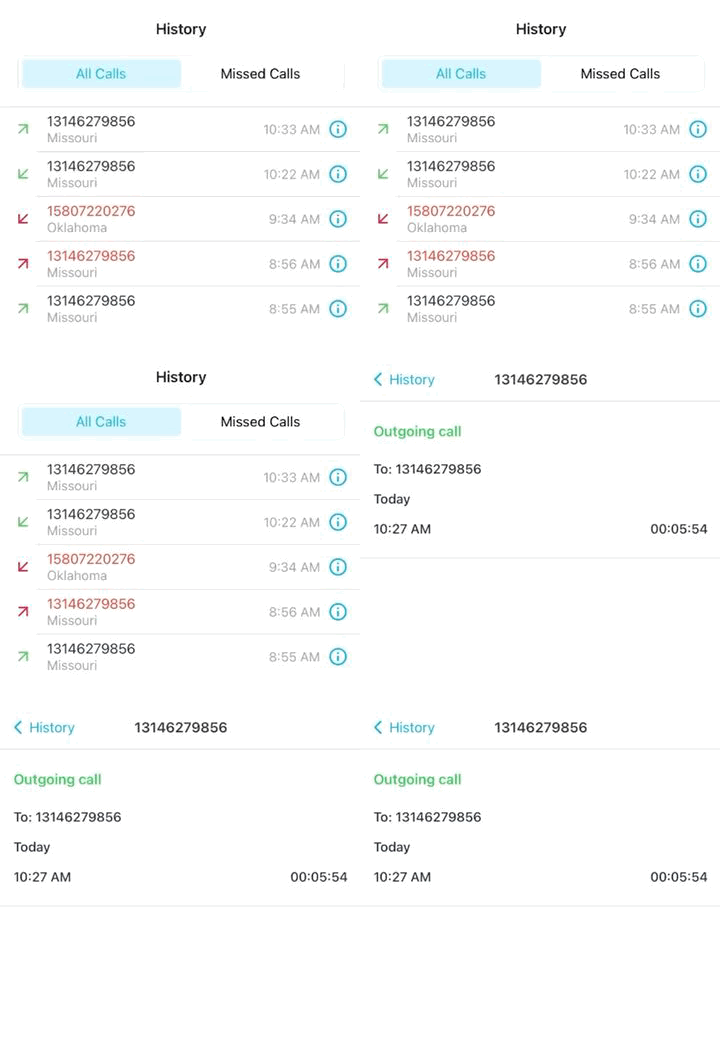
Tap History > All Calls.
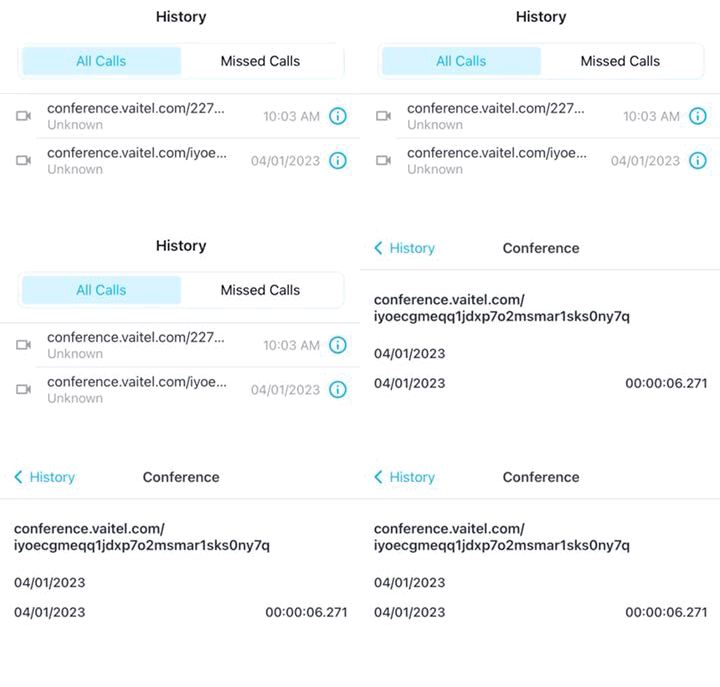
All Calls shows a list of received and made calls, missed calls, and video conference records.
Log in to the app.
Tap History > Missed Calls.
Missed Calls filters the history to show only missed calls.
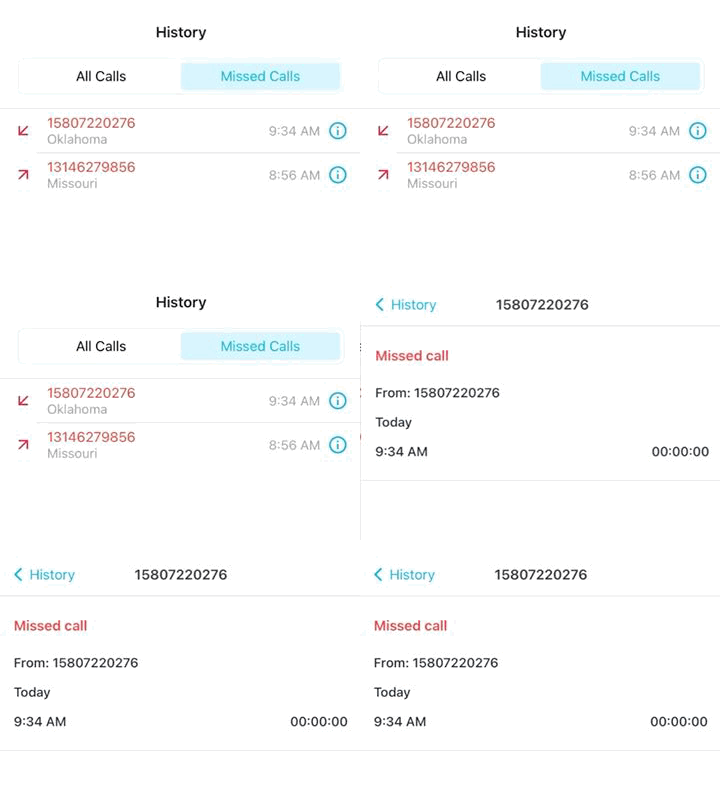
Note: Missed calls also appear in the All Calls list.
Tap a number in either list to call, or tap the details icon and then the phone icon.
Note: If you’ve added multiple numbers to your app, the History page shows calls from all of them.








