Store Credit Card Information

Save a credit card to your account for seamless automatic payments.

Save your credit card details securely in Cloud PBX to make account top-ups quicker and easier.

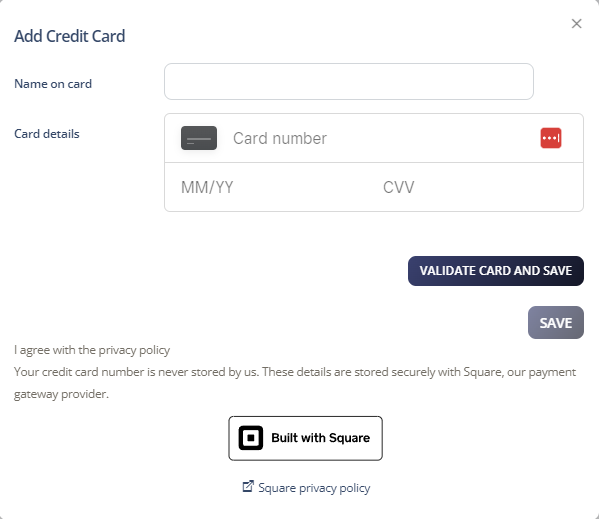
Add a credit card

  1. Select Account > Manage Billing.

  2. Under Payment Method, click Add new card.

  3. Enter your credit card details.

  4. Click Save.

Credit card entry

Was this article helpful?

Let us know so we can keep improving our guides.

Thank you for your feedback!

This form is only for article feedback. If you require assistance, please contact Support. How can we improve this page?

Related Articles

Still need help?

Our support team can help you get connected.