AI Voice Agent
Never miss another call.
Learn more


AI Voice Agent
Never miss another call.
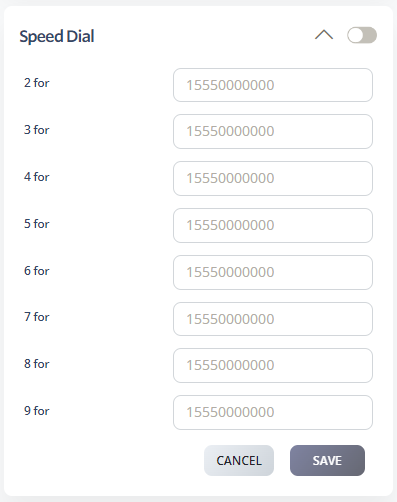
Speed Dial lets you quickly dial frequently used numbers without entering the full number. You can set up eight speed dial numbers.
Select Switchboard.
Select your number.
Select Outbound > Speed Dial.
Enter the number to dial. Include regional or international prefixes for long-distance calls. For local numbers, enter just the number without the area code.
Click Save.