
AI Voice Agent
Never miss another call.
Learn more

AI Voice Agent
Never miss another call.
Home » Help Centre » Apps & Integrations » Web App » SIPcity Keypad Chrome Extension
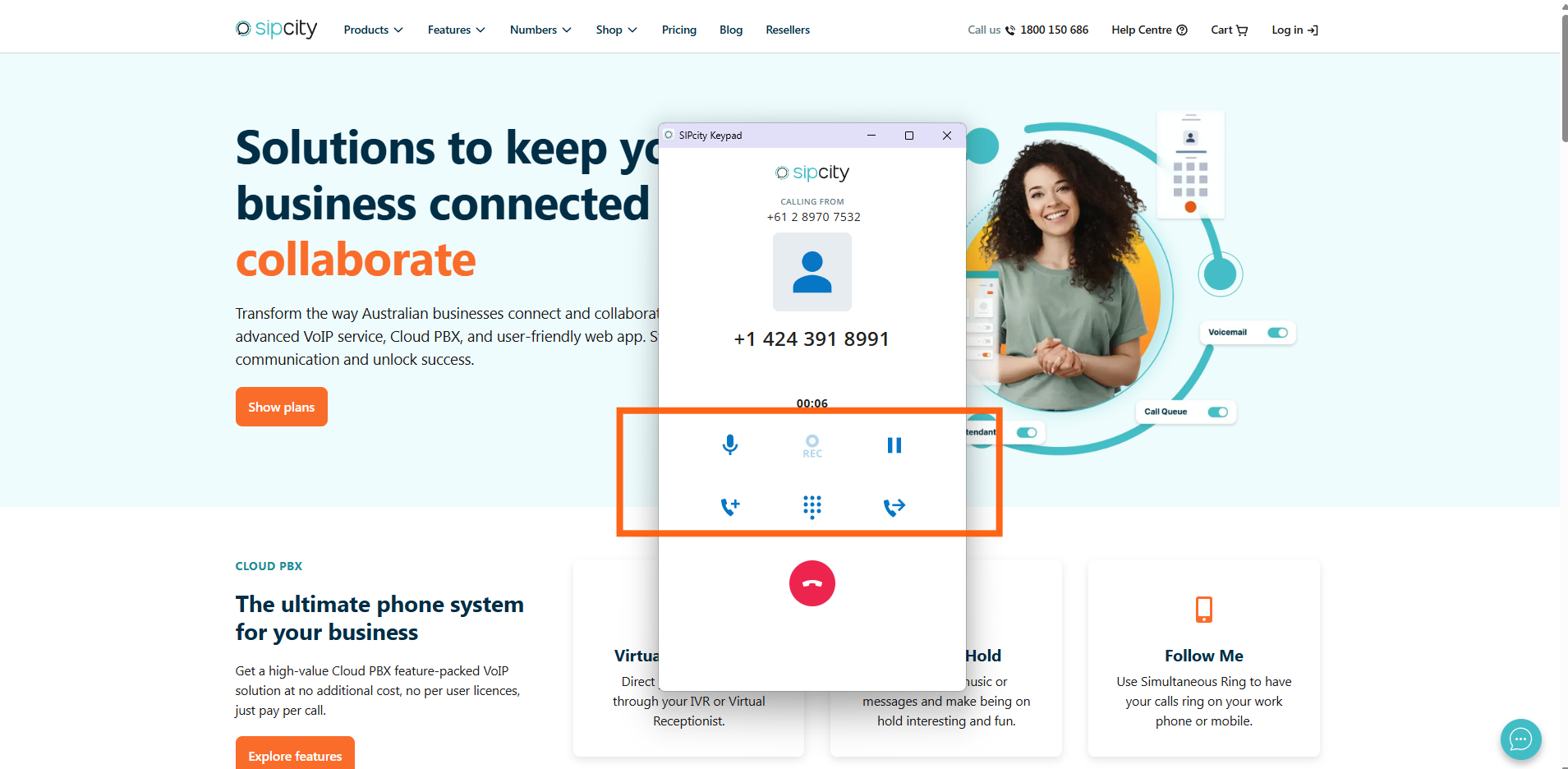
The SIPcity Keypad Chrome extension brings calling directly to your browser. Make and receive calls with your SIPcity numbers, and click any phone number on a webpage to dial instantly.
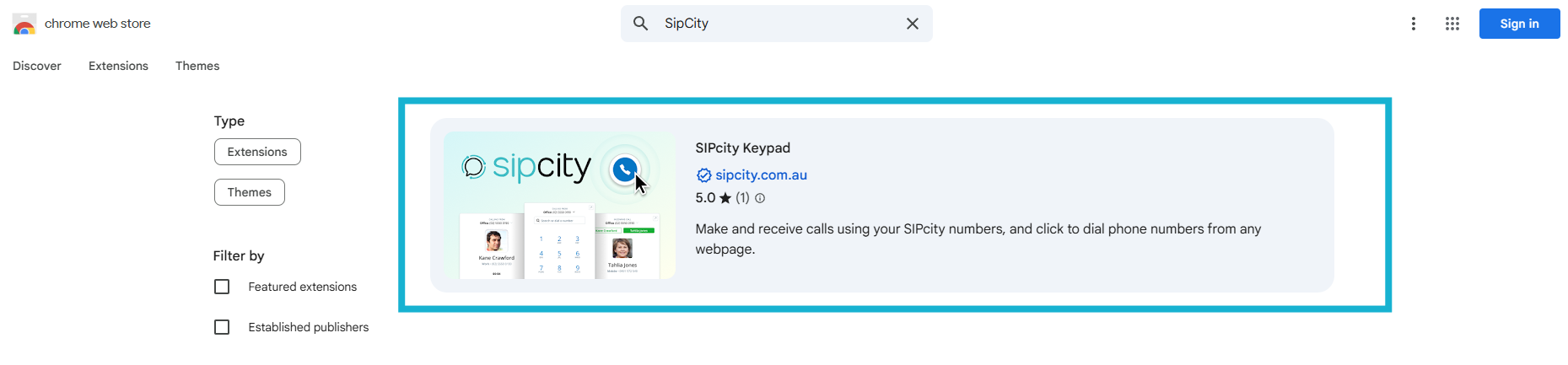
Open the Chrome Web Store.
Search for SIPcity Keypad.

Click Add to Chrome, then confirm by clicking Add Extension.
The extension will appear in your Chrome toolbar (top right corner).

Log in with your SIPcity account.
Grant microphone permission by selecting Allow while using. Pin the extension to your toolbar for quick access.
Not a user yet? Sign up for SIPcity to get started.





