AI Voice Agent
Never miss another call.
Learn more


AI Voice Agent
Never miss another call.
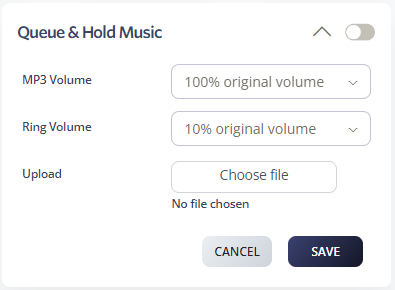
Setting up custom queue announcements and hold music improves the caller experience, reduces abandonment, and enhances brand perception. Upload your own MP3 files to replace ringing and configure hold music. This service is included at no additional charge.
Go to Switchboard > Advanced > Queue and Hold Music.
Select options for volume and choose your audio file.
Click Save.