








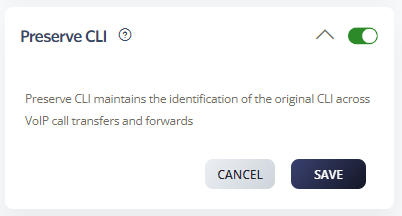
Preserve CLI maintains the caller line identification of the original call across VoIP forwards. This is important for security, billing, compliance, and transparency.
How to enable Preserve CLI
-
Go to Switchboard > Number.
-
Select Inbound > Preserve CLI.
-
Click Save to update settings.
Example
-
Party A: Jack calls Wendy.
-
Party B: Wendy has a call forward to Roger.
-
Party C: Roger receives Jack’s CLI.
Note: Without Preserve CLI, Roger would only see Wendy’s CLI (Party B).