AI Voice Agent
Never miss another call.
Learn more


AI Voice Agent
Never miss another call.
Once you’ve set up numbers on your account, you can customise them extensively. Options include setting caller ID, managing voicemail, configuring call recording, and more.
Available customisation options include:
Caller ID: Set how your name or number displays on outbound calls.
Voicemail: Add voicemail greetings and messages.
Voicemail to email: Automatically send voicemail messages to an email address.
Call Recording: Save a .wav file of each inbound and outbound call.
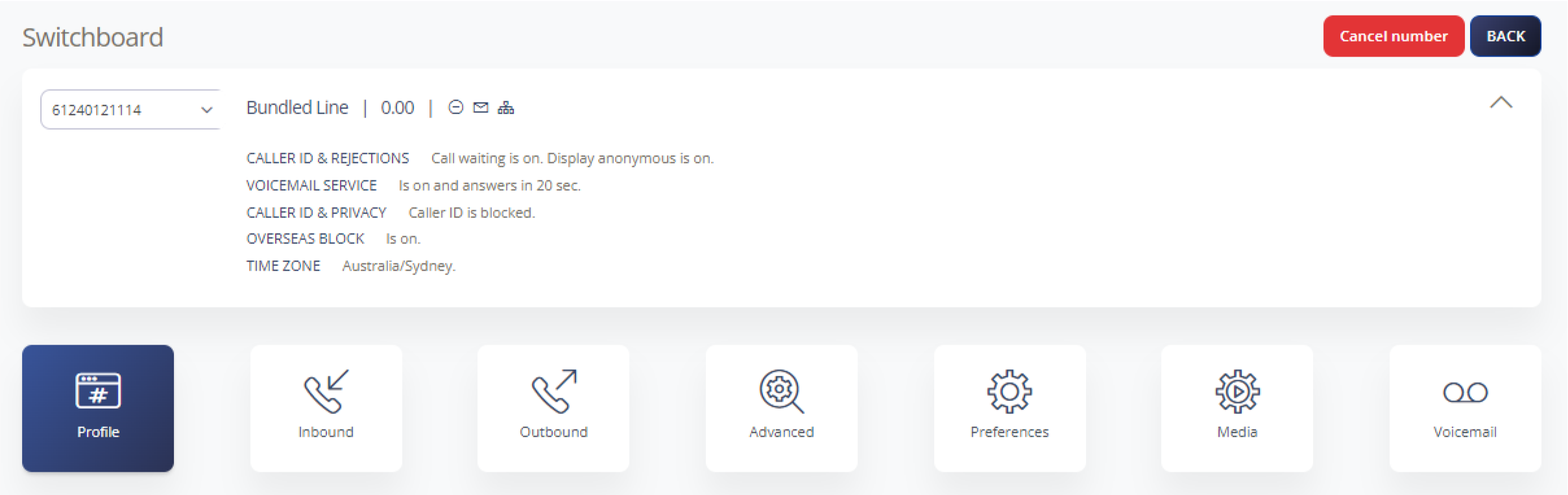
Go to Switchboard. You’ll see your phone numbers listed.
Click the number you want to customise.
Click into menu items like Inbound Calls to update settings.
Review the Help Centre articles for features that would enhance your business communication.