



AI Voice Agent
Never miss another call.
Learn more


AI Voice Agent
Never miss another call.
User Settings allows you to customise and manage your app experience. This article covers the main features available.
Let your team know your current availability status.
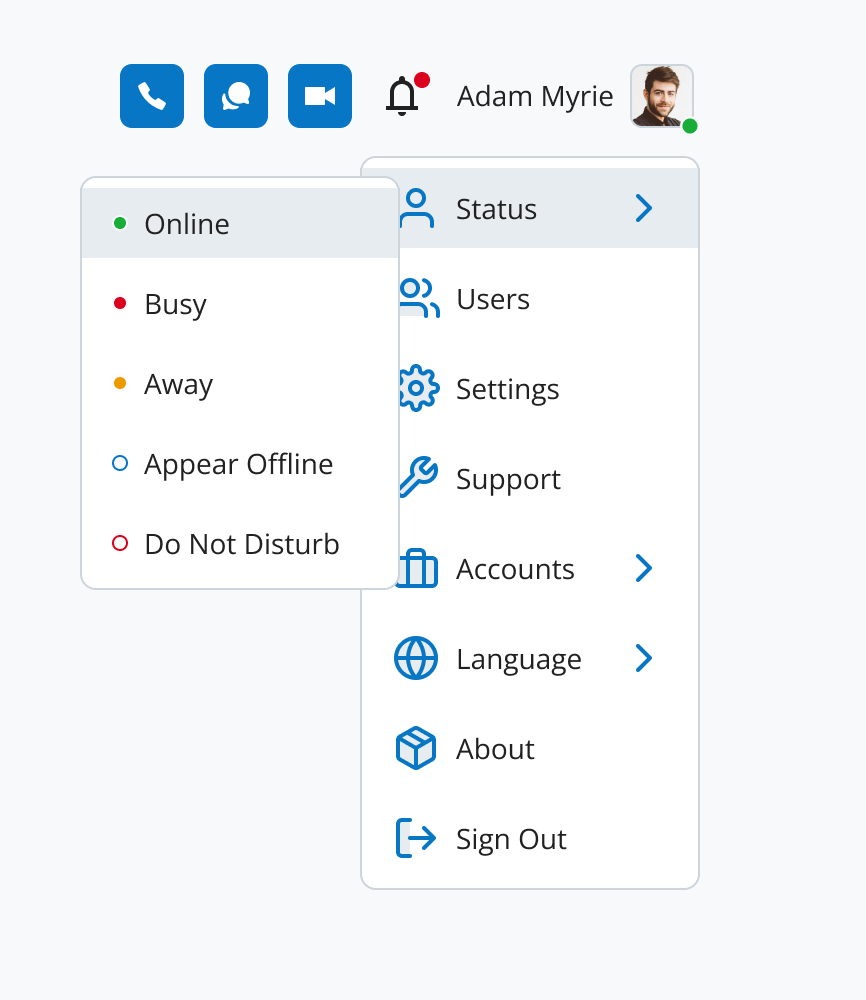
Administrators can access user management tools.
Configure your app settings.
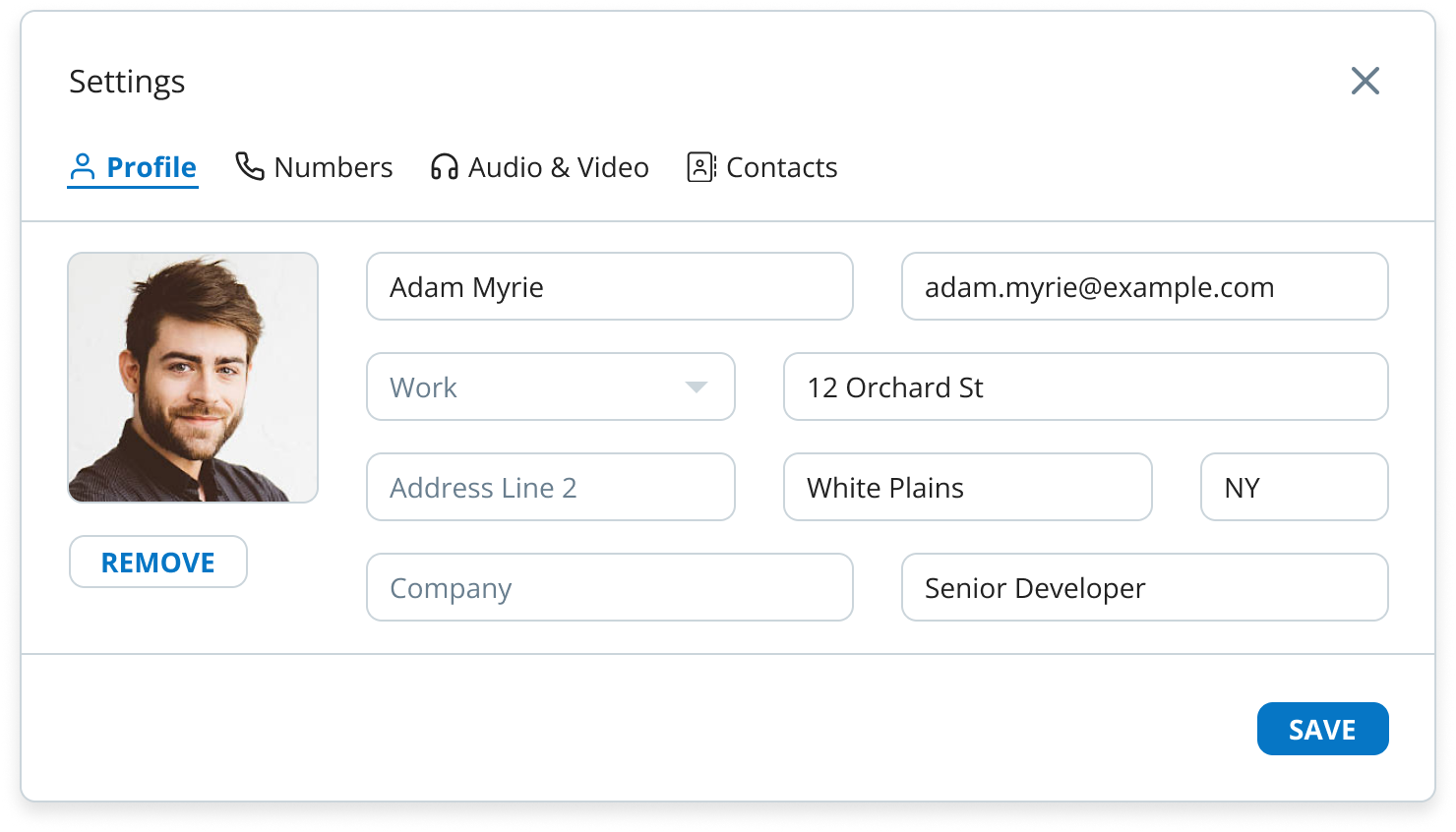
Update your profile information at any time.
Go to User Settings > Settings.
On the Profile page, update your information:
Name
Number type (Work, Home, or Other)
Address Line 1
Address Line 2
City
State
Company
Position
Click Save.
Refresh the page to see your changes.
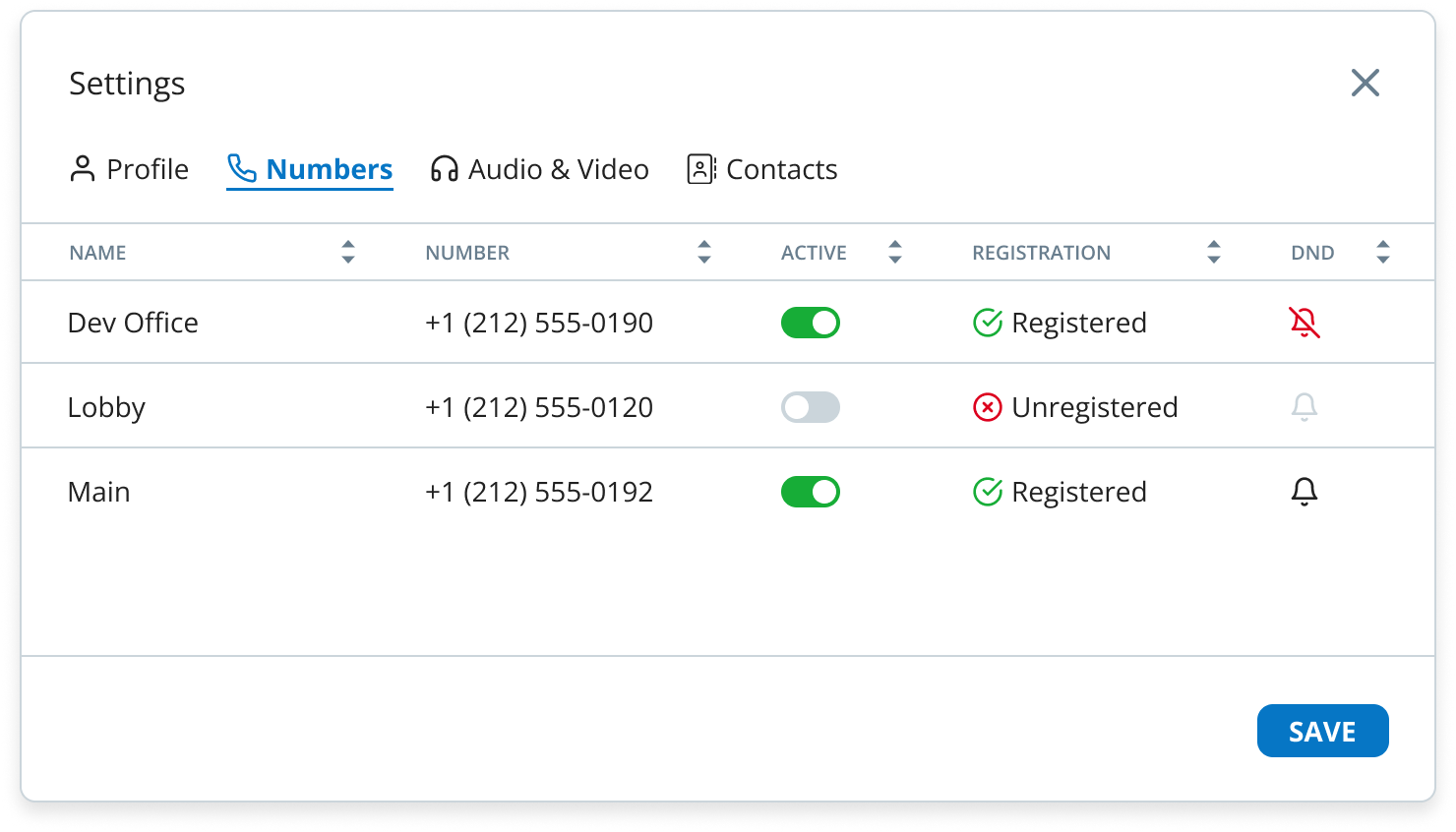
Enable or disable your phone numbers for calls.
Go to Menu Settings > Settings.
Click Numbers.
Toggle a number’s Active option to enable or disable it.
Manage Do Not Disturb by clicking the bell icon.
Confirm your changes.
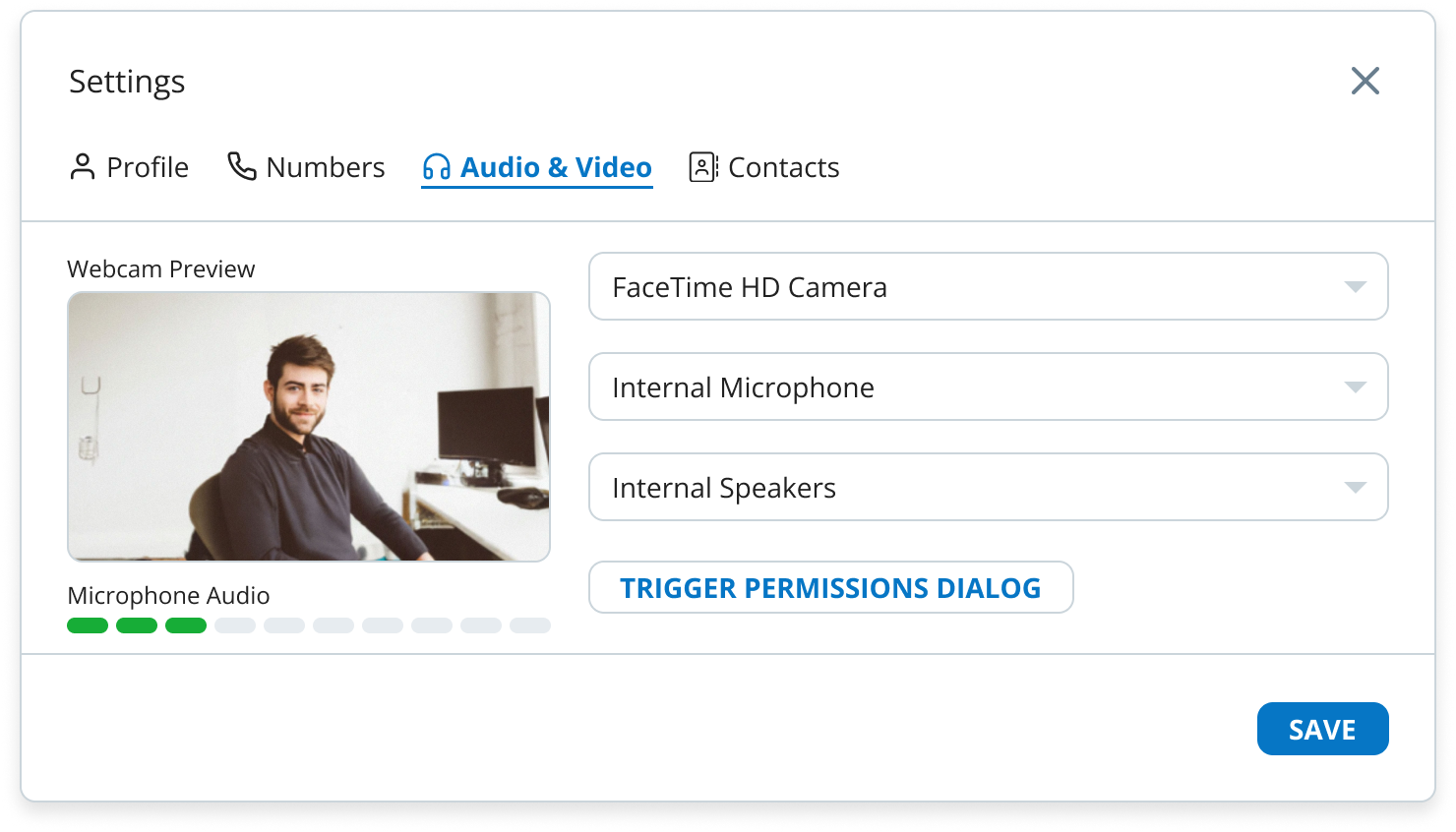
Set up and test your audio and video settings for optimal app performance.
Go to Menu Settings > Settings.
Click Audio & Video.
Configure your microphone, speaker, and camera.
Click Test to test your microphone audio.
Click Save.
Manage your contacts and set up synchronisation through your account settings.
If you have multiple accounts, you can switch between them here. Go to User Settings > Accounts to select the account you want to use.
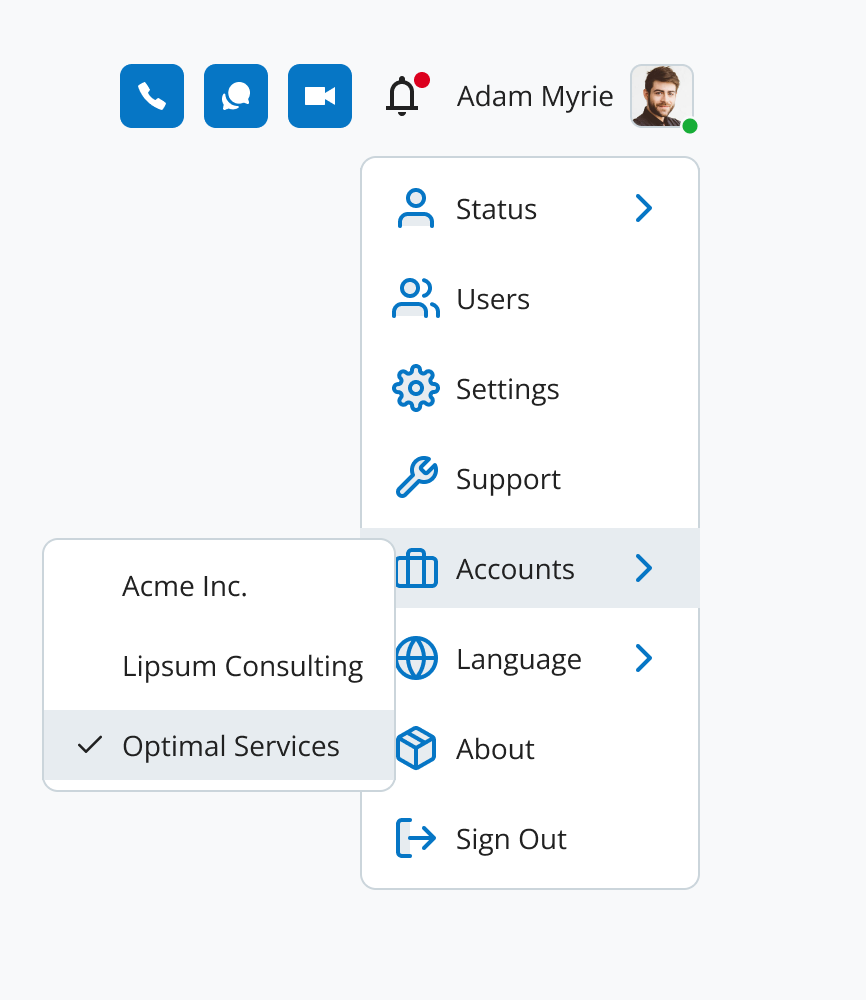
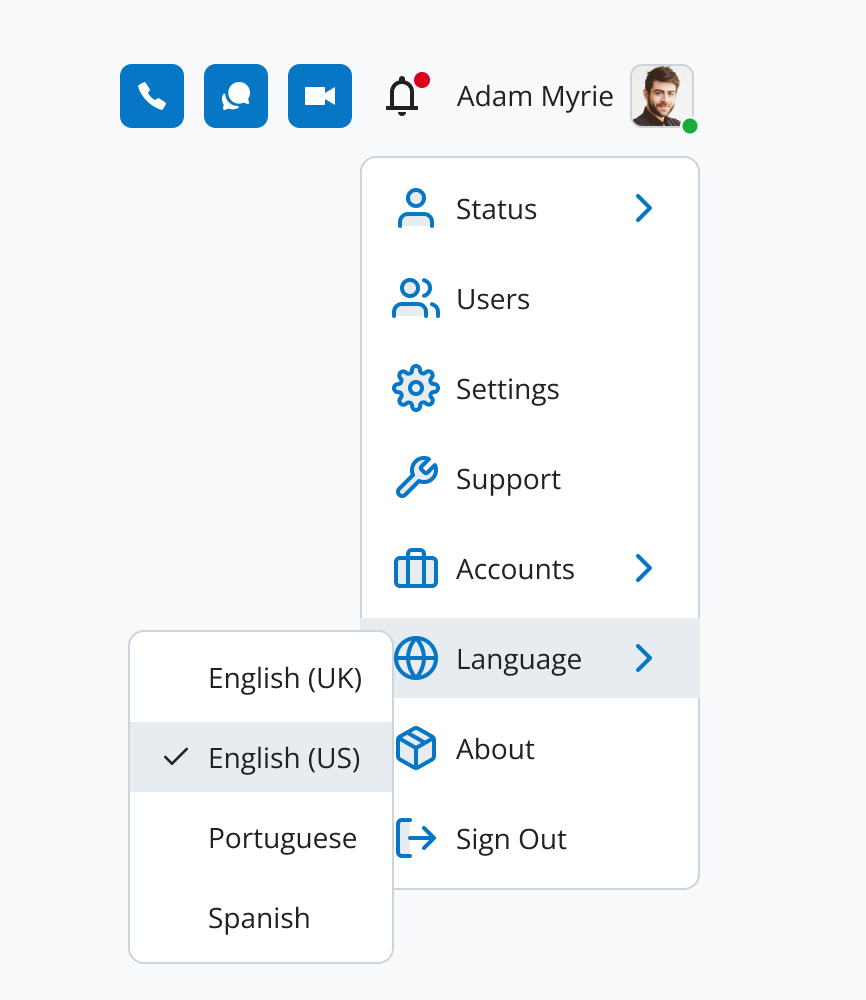
Switch between available languages for your app.
Go to User Settings > Language.
Choose from English (US), Portuguese, or Spanish.
Your choice applies immediately.
Grant necessary permissions for camera, microphone, and notifications to ensure the app works properly.
Access your browser settings.
Enable camera, microphone, and notifications for the SIPcity Web App.
Firefox requires manual permission setup. Follow these steps:
Open the SIPcity Web App in Firefox.
Allow pop-ups for notifications, microphone, and camera when prompted.
If no pop-up appears:
Open the Firefox Application Menu (next to the address bar).
Go to Settings.
Navigate to Privacy & Security.
Scroll to Permissions.
Adjust settings for camera, microphone, and notifications.








