



AI Voice Agent
Never miss another call.
Learn more


AI Voice Agent
Never miss another call.
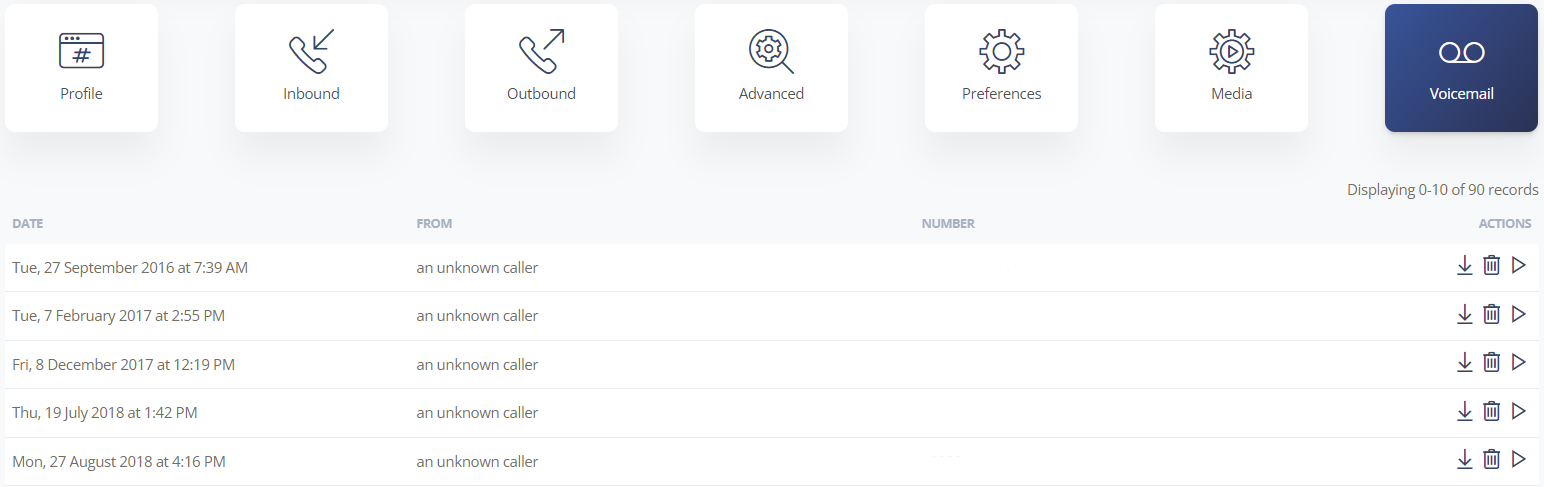
Voicemail is a core feature of your SIPcity account. You can listen to, download, or delete messages directly from the Web App. Voicemail settings are specific to each number in your account.
Log in to your account.
Go to Switchboard and select the number.
Select Voicemail.
For each message, you can play, download, or delete it.
From your own number: Dial *55 to access your voicemail box.
From another phone: Dial your own number, wait for voicemail to answer, then press *55. Enter your PIN code (if you’ve set one) followed by # to access your messages. You can mark trusted callers to skip the PIN requirement.








