AI Voice Agent
Never miss another call.
Learn more


AI Voice Agent
Never miss another call.
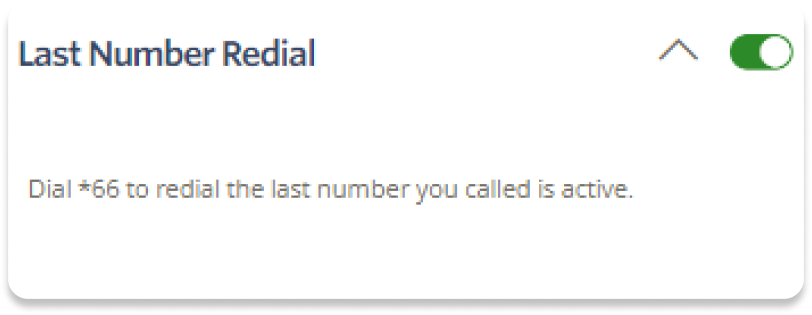
Last Number Redial allows you to call the last number that dialled you by pressing *66. This is particularly useful for entry-level handsets without this built-in feature.
Log in to your account.
Go to Switchboard > select your Number.
Select Outbound > Last Number Redial.
Toggle the setting to ON.
To redial the last number you called, dial *66.