



AI Voice Agent
Never miss another call.
Learn more


AI Voice Agent
Never miss another call.
Add your frequent contacts to your Favourites list for quick access.
Tap the Contacts button.
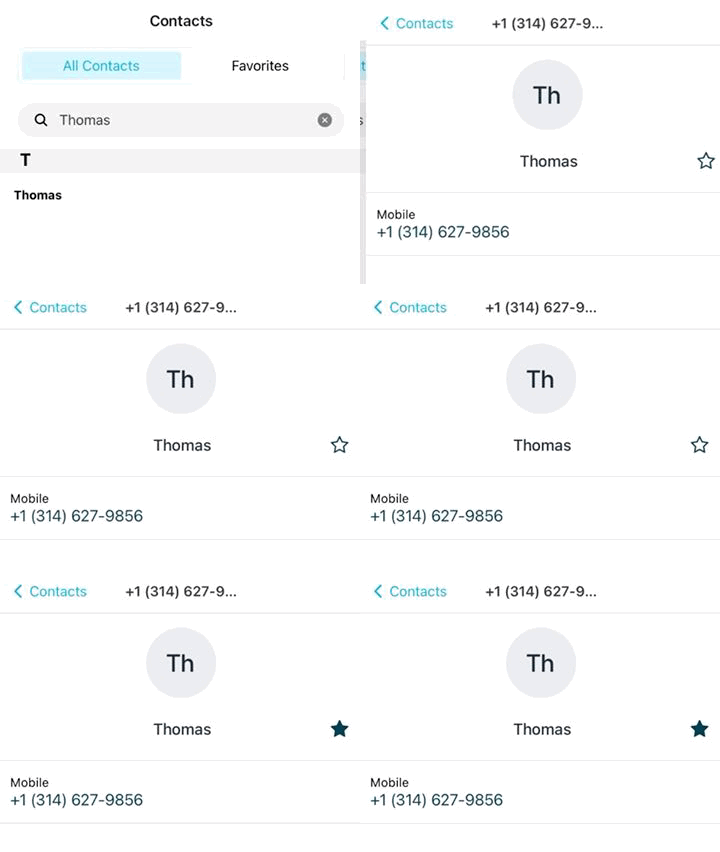
Go to All Contacts.
Find a contact by scrolling or using the search field.
Tap the contact to open their profile.
Tap the Star icon to add them to your Favourites.
Return to the Contacts page.
Tap Favourites to view your favourite contacts.
Note: To access contacts from your device, ensure you have enabled contact access in the app’s Permissions settings.








