








Add your frequent contacts to your Favourites list for quick access.
-
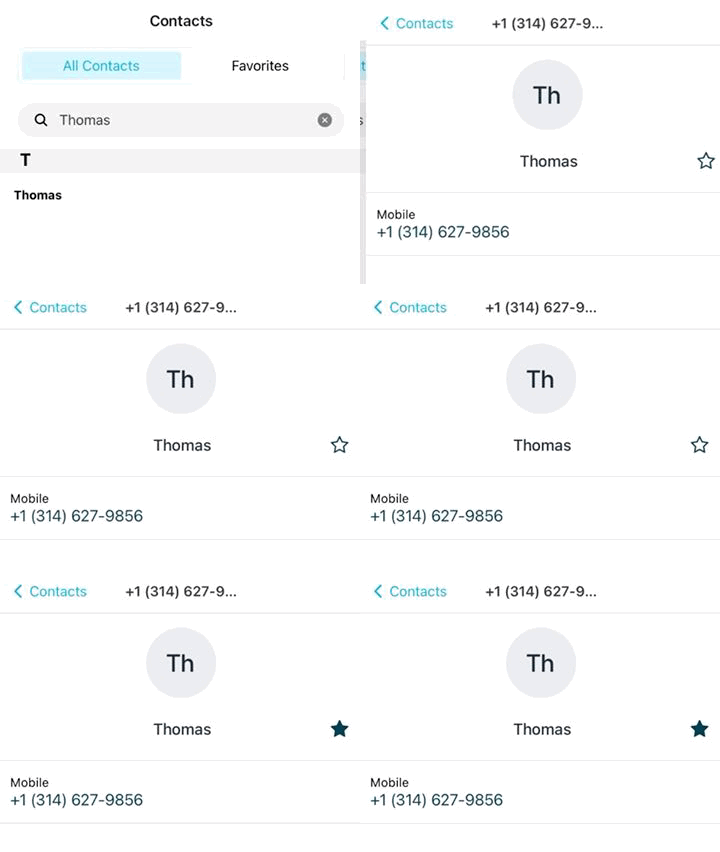
Tap the Contacts button.
-
Go to All Contacts.
-
Find a contact by scrolling or using the search field.
-
Tap the contact to open their profile.
-
Tap the Star icon to add them to your Favourites.
-
Return to the Contacts page.
-
Tap Favourites to view your favourite contacts.
Note: To access contacts from your device, ensure you have enabled contact access in the app’s Permissions settings.