



AI Voice Agent
Never miss another call.
Learn more


AI Voice Agent
Never miss another call.
PortSIP is a softphone app you can use on your mobile phone to register and use your SIPcity number. Follow these steps to set up the app.
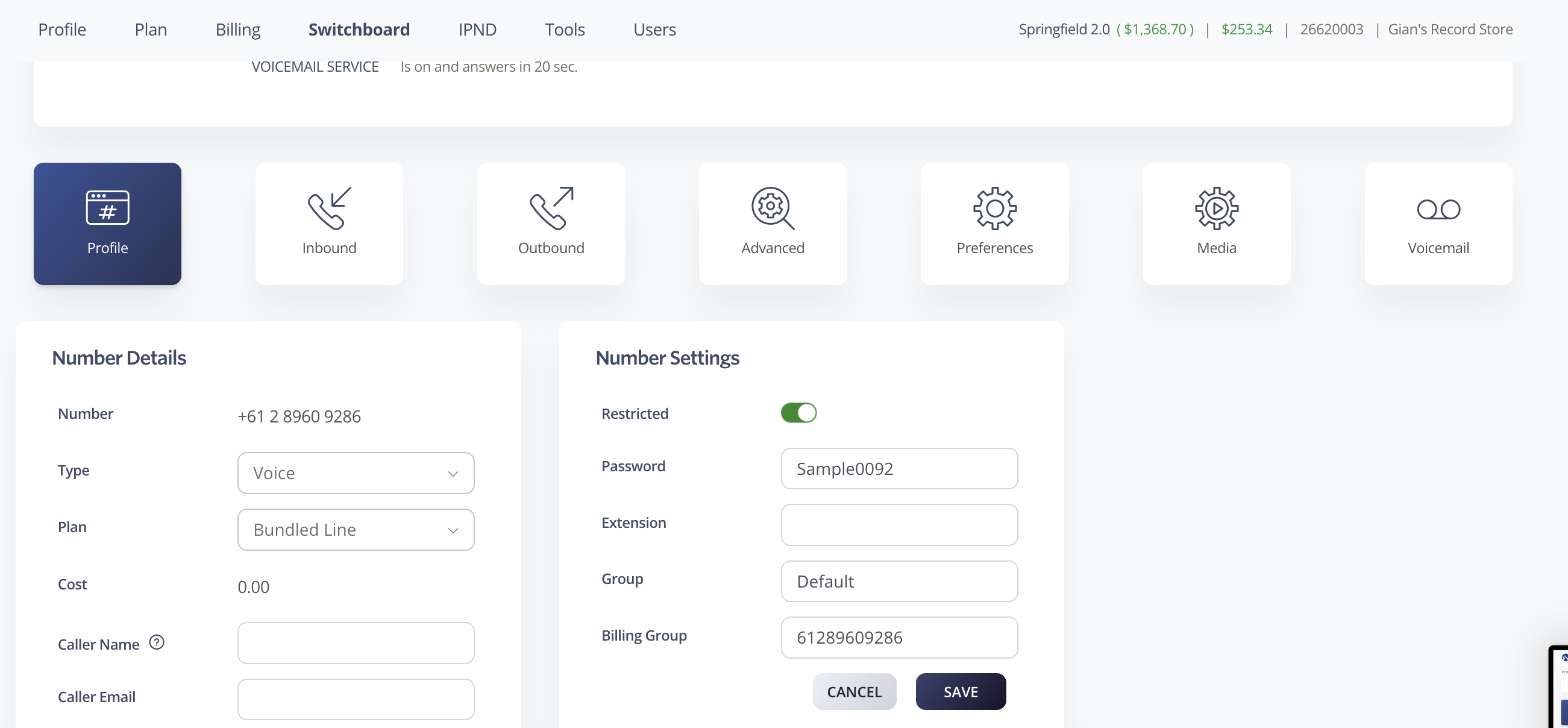
Log in to your SIPcity account portal.
Go to Switchboard and select your number.
In the number settings under Profile, enable the Restricted toggle and set a password.
Save your password — you will need it to log in to the PortSIP app.
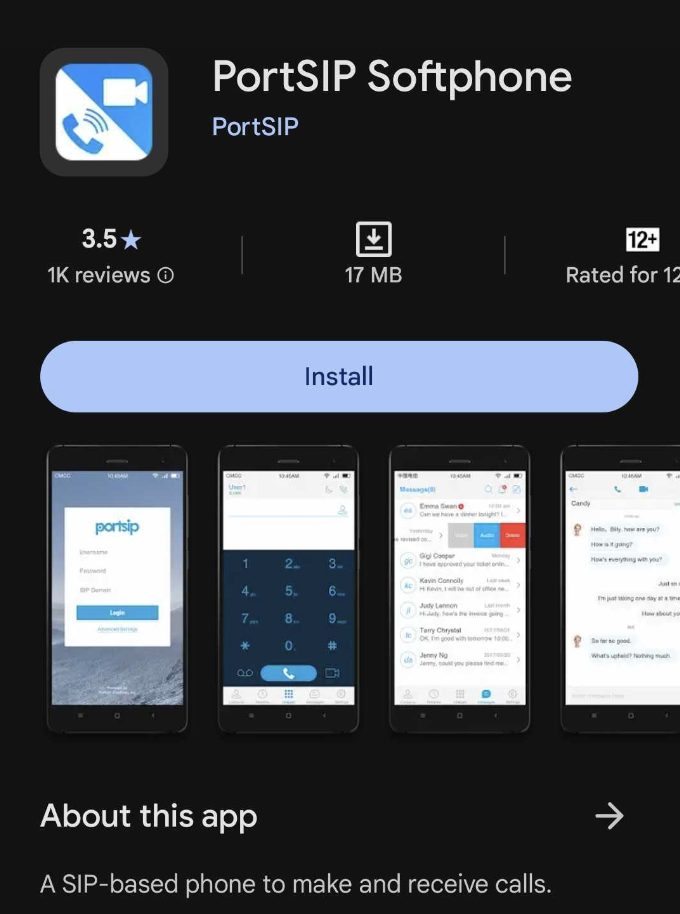
Open your Google Play Store.
Search for and download the PortSIP Softphone App.
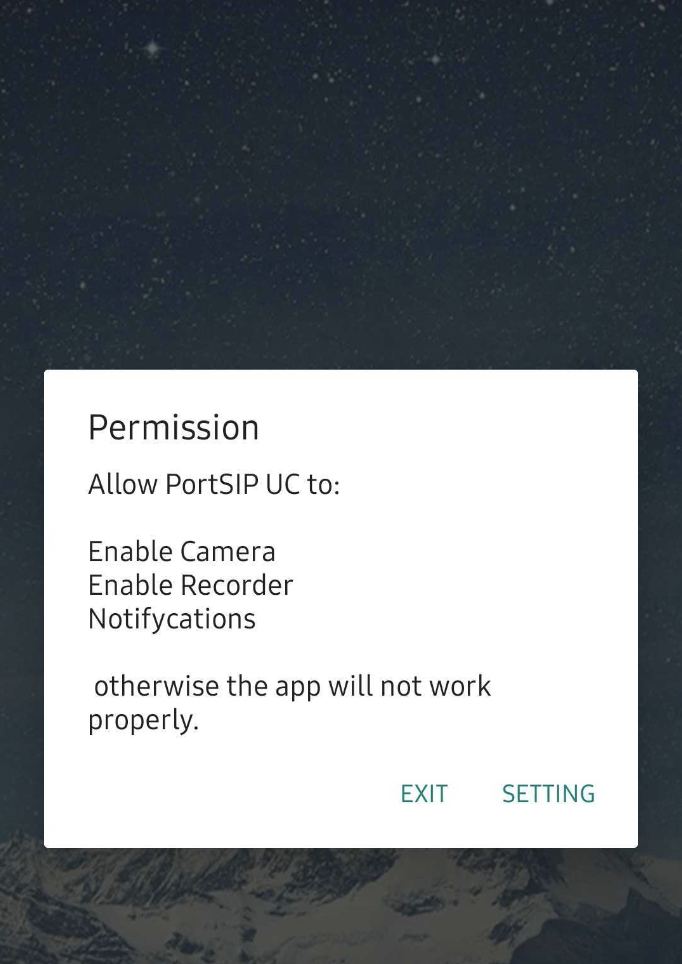
When you open the app for the first time, it will request permissions for camera, microphone, and other features.
Grant permission to all requested features — the app will not work properly without these permissions.
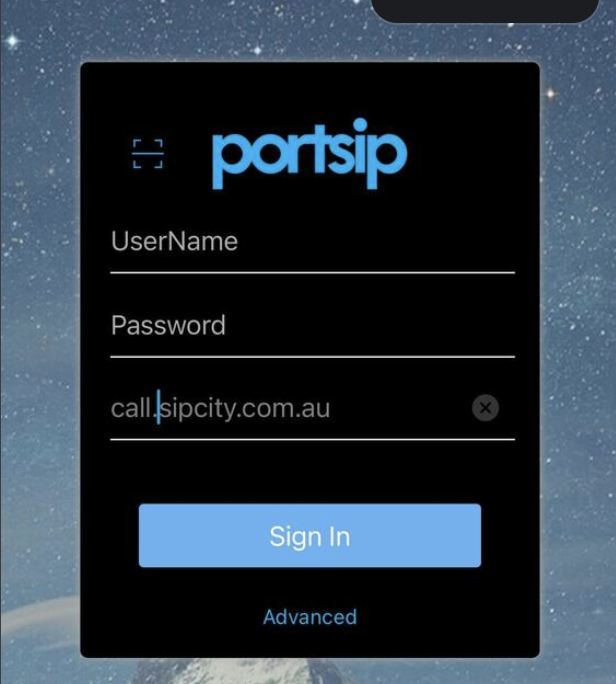
On the login page, enter the following details:
Username: Your SIPcity phone number (61xxxxxxxxx)
Password: The password you set in Step 1
Host/Domain: call.sipcity.com.au
Once logged in, tap Settings in the lower right corner.
Tap Advanced.
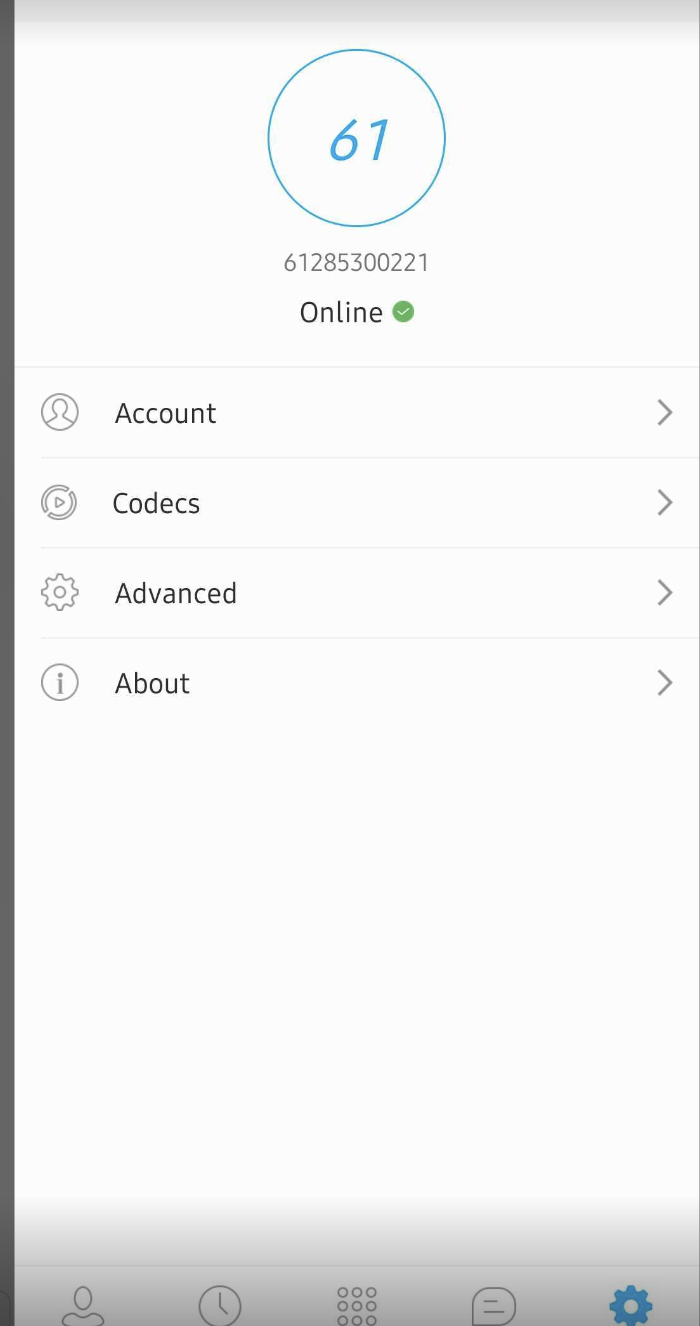
In the Advanced settings, scroll down and enable all notification and other relevant settings.
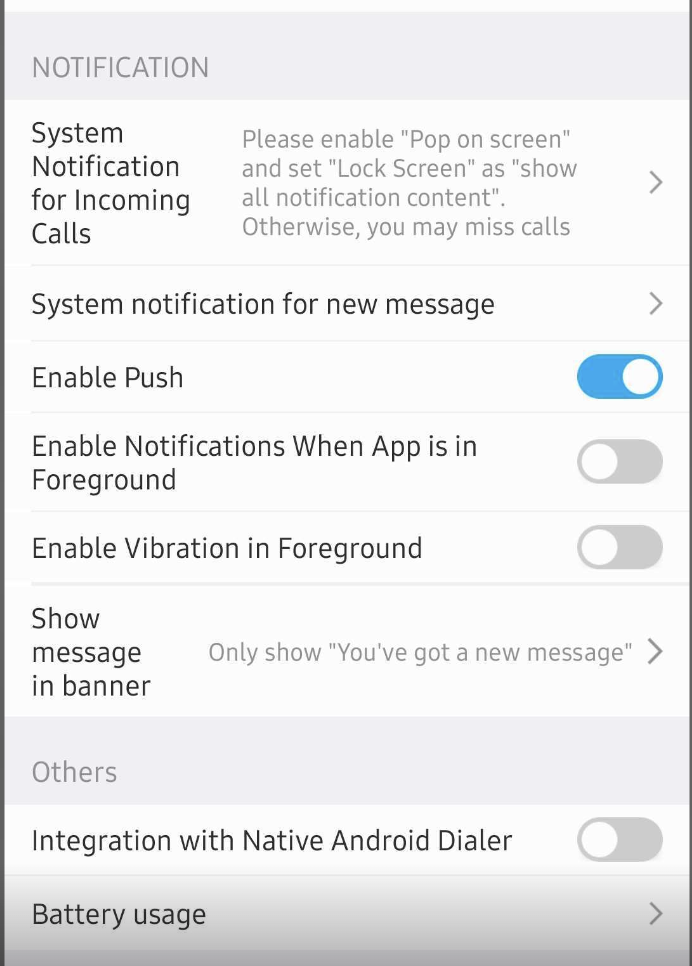
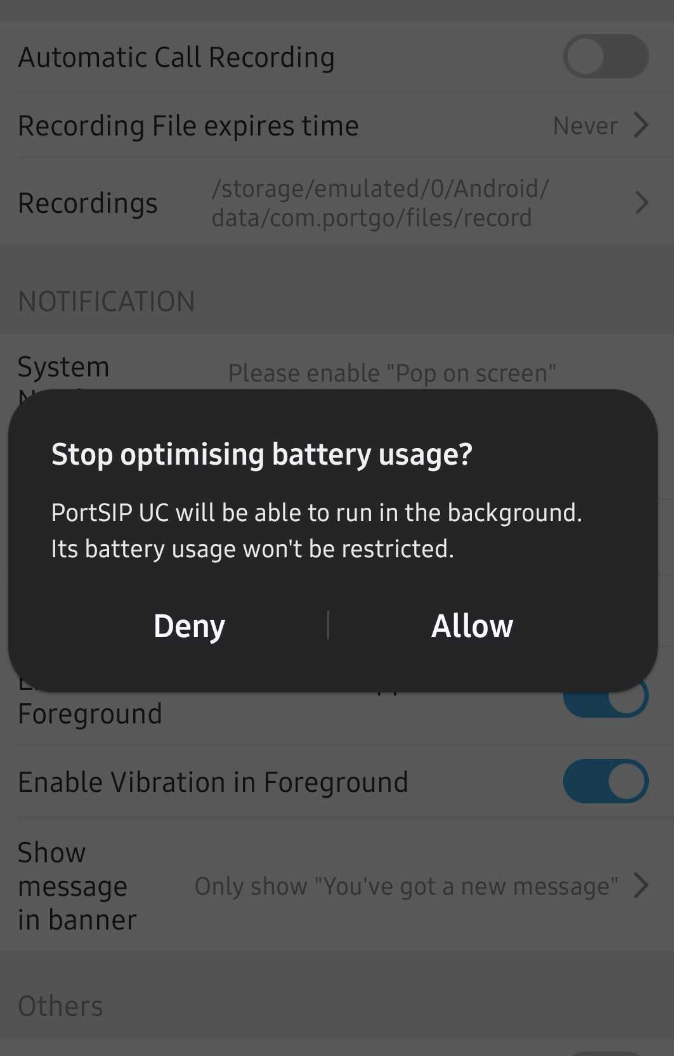
Tap Battery Usage.
When prompted, tap Allow. This ensures the app can run in the background and receive calls even when your phone is locked.

Return to the home page and you are ready to make calls using your SIPcity number.








