








The SIPcity App allows you to host or join video conference meetings. This guide covers both options.
Host a video conference
Hosting a video conference lets you start a meeting and invite people to join you.
-
Tap the Video Conference button on the keypad page.
-
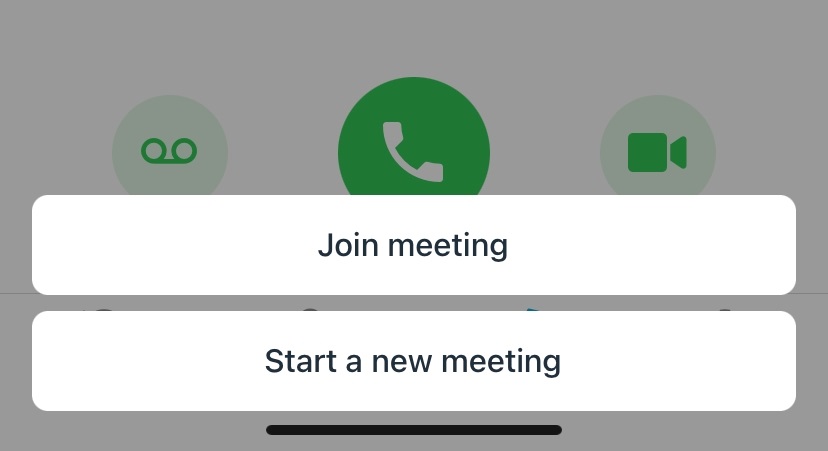
Tap Start new meeting.
-
Tap Invite others.
-
Send the meeting link to the people you want to join your conference.
Join a video conference
Joining a video conference means you’ve received an invitation with a link from the meeting organiser.
-
Tap the Video Conference button on the keypad page.
-
Tap Join meeting.
-
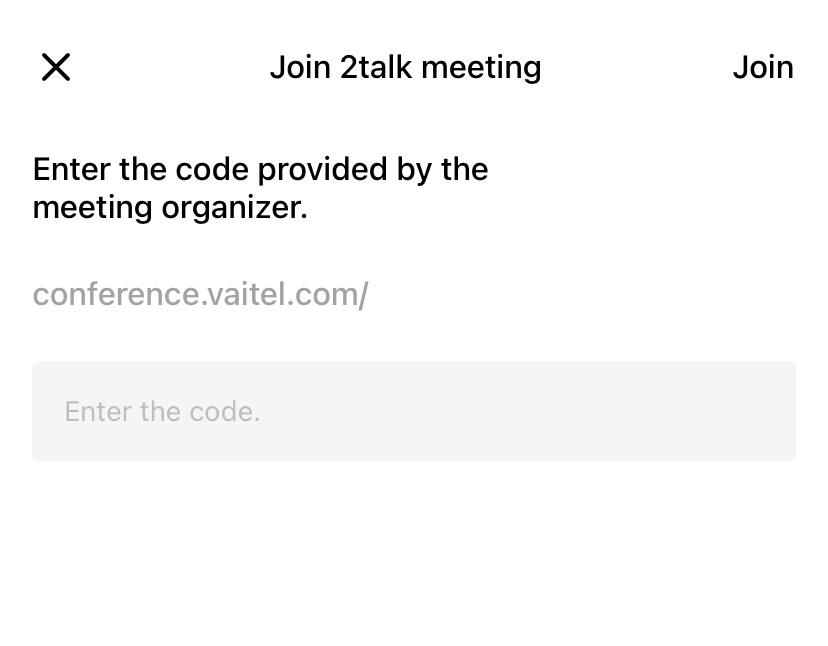
Paste the meeting link you received into the Enter code field.
-
Tap Join.
Note: Video conference records are stored on the History page.