
Do Not Disturb (DND)

Silence all incoming calls and send them straight to voicemail.

When Do Not Disturb (DND) is enabled, incoming calls receive a busy tone or are sent to voicemail. All unavailable features remain active when DND is on.
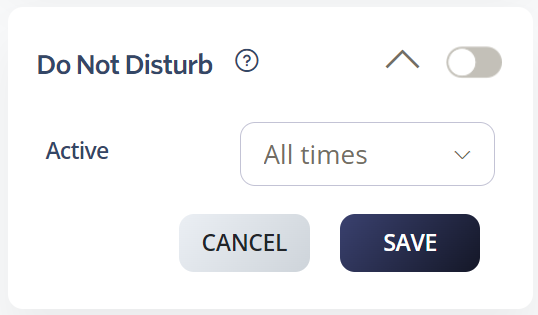
Enable Do Not Disturb in the Web App

  1. Go to Switchboard.
  2. Select the number.
  3. Select Inbound > Do Not Disturb.
  4. Enable DND.

Enable DND using dial codes

You can activate and deactivate DND by dialling short codes from any phone:

  • *78: Activate Do Not Disturb
  • *79: Deactivate Do Not Disturb
  • *30: Activate Caller ID Blocking
  • *31: Deactivate Caller ID Blocking

Was this article helpful?

Let us know so we can keep improving our guides.

Thank you for your feedback!

This form is only for article feedback. If you require assistance, please contact Support. How can we improve this page?

Related Articles

Still need help?

Our support team can help you get connected.






