AI Voice Agent
Never miss another call.
Learn more


AI Voice Agent
Never miss another call.
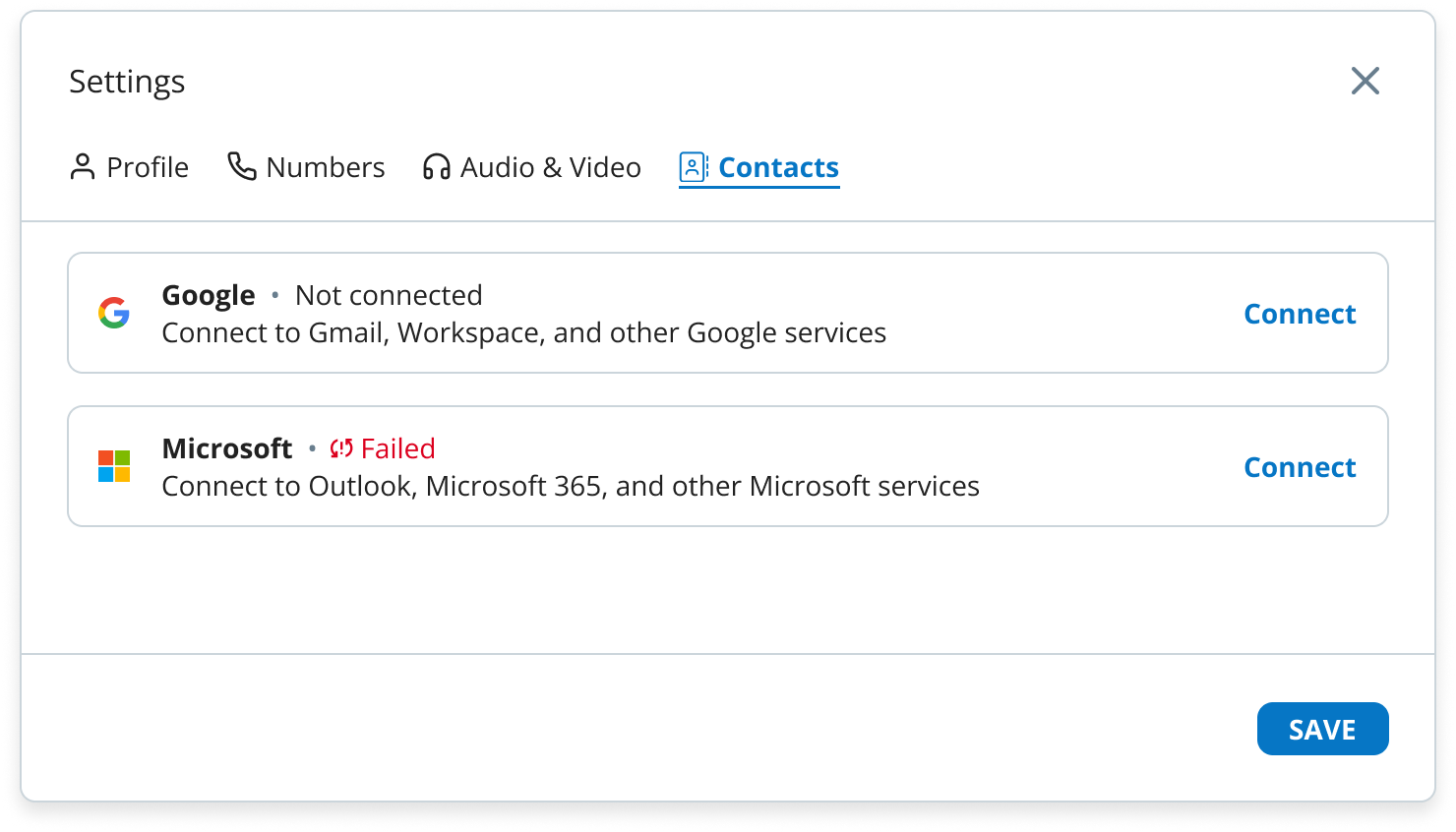
Manage your contacts in one place. Create local contacts, sync contacts from Microsoft or Google, and call them directly from your contact list.
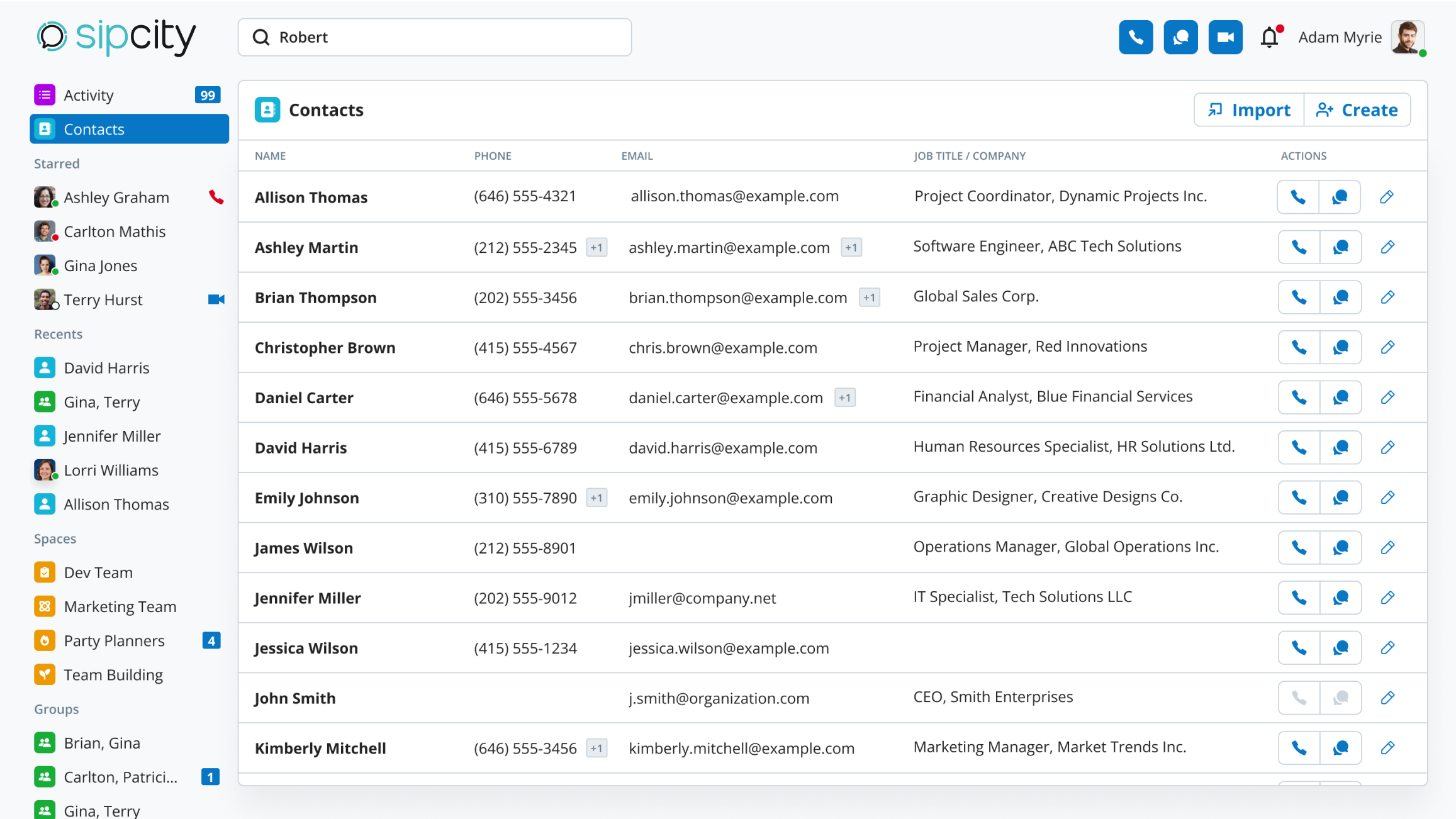
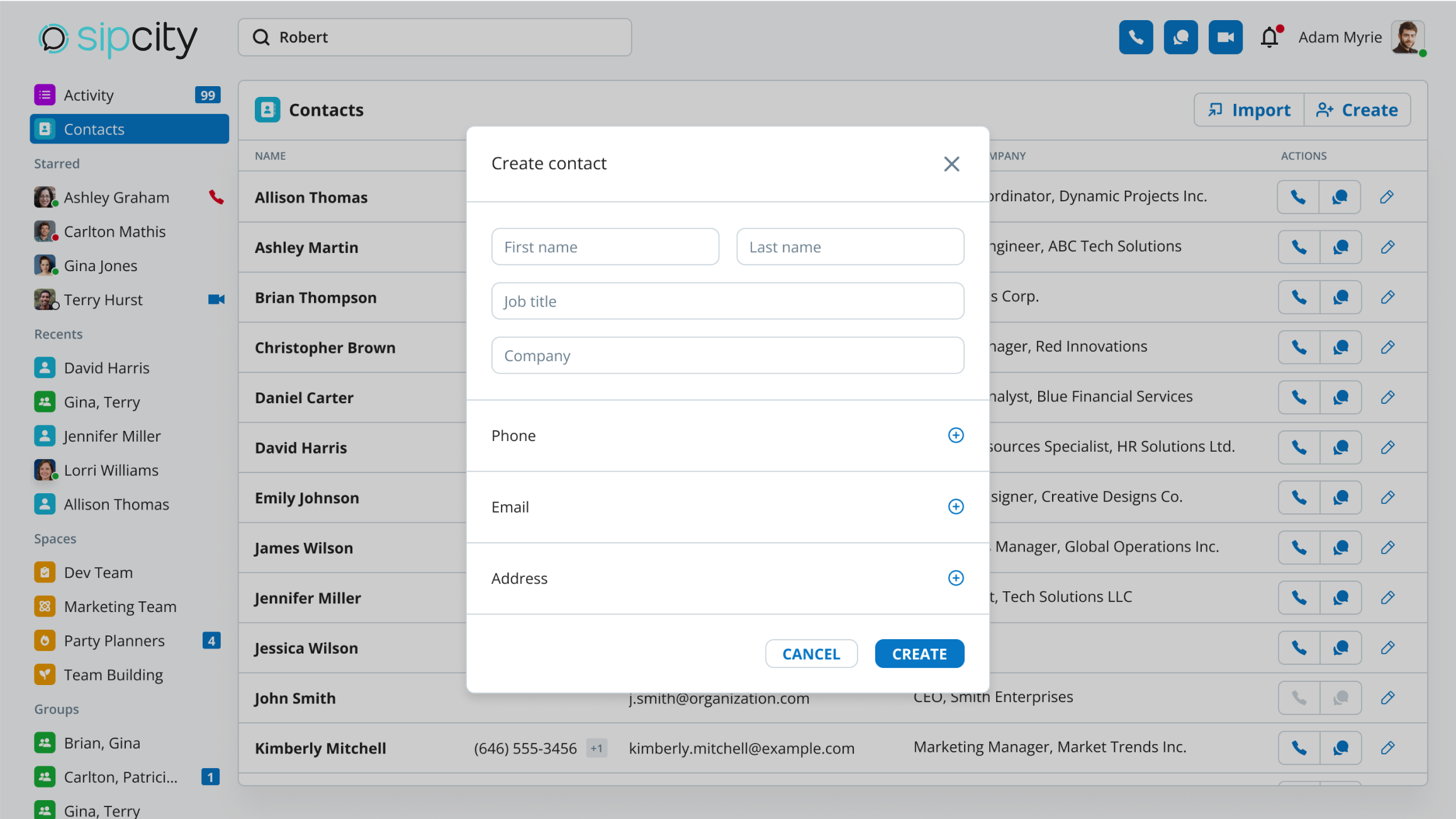
A contact requires at least a first name or last name.
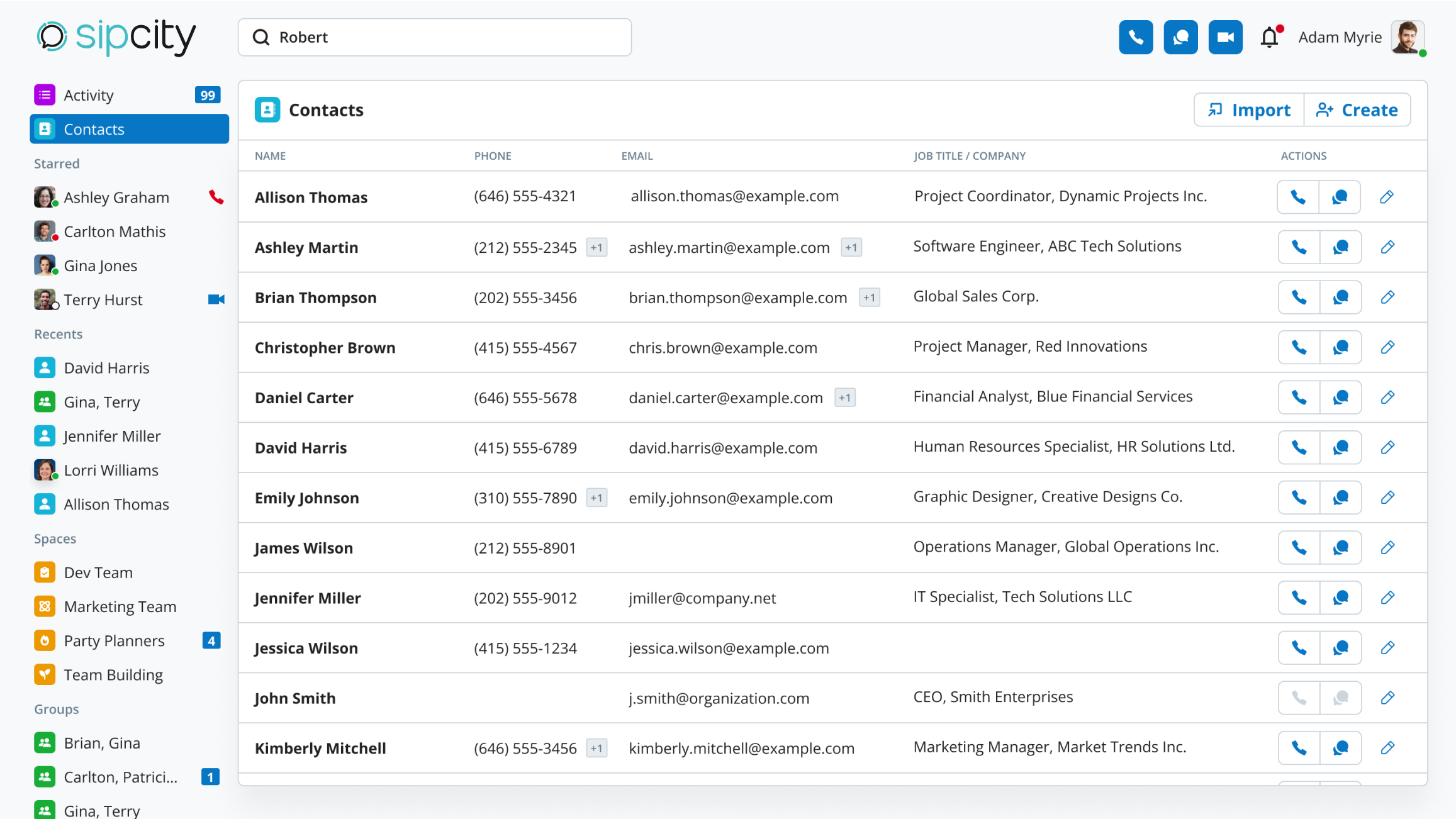
You can perform the following actions on locally created contacts:
Note: Edit and delete options are only available for locally created contacts. Imported contacts are read-only.
Note: Once contacts are initially synced, the Import Contacts button won’t appear. Remove the synchronisation to make it reappear.
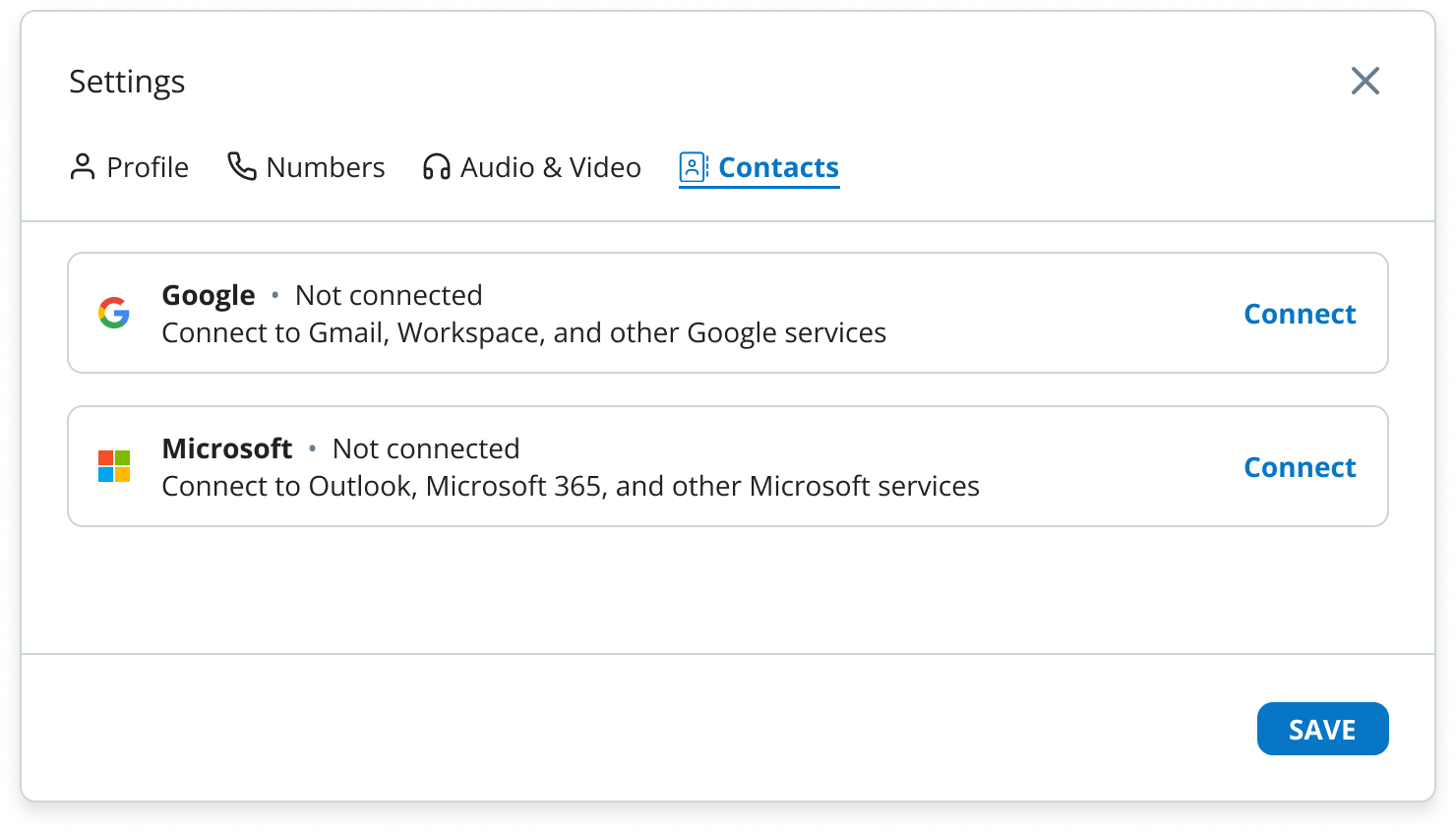
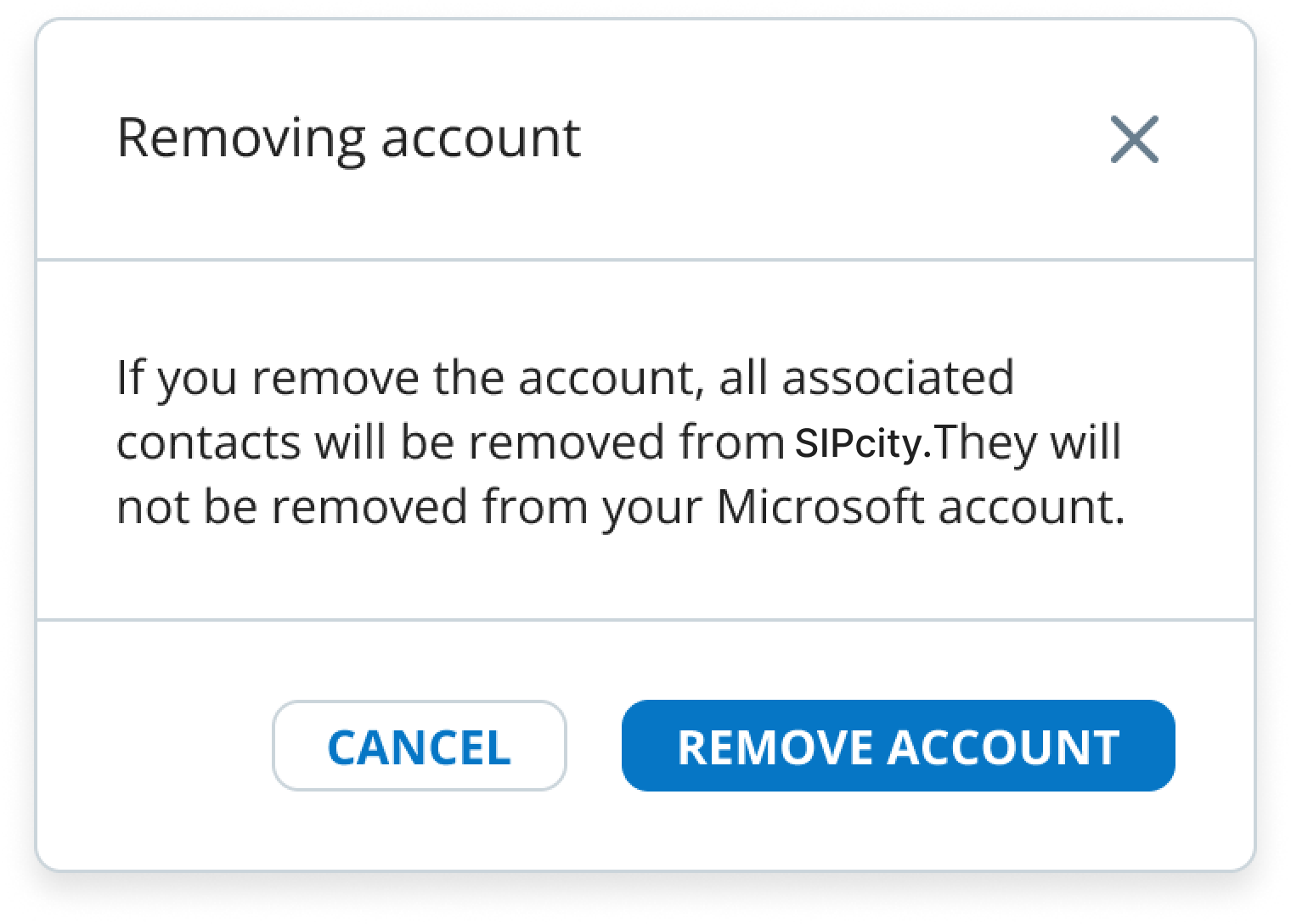
Yes. If a newly added contact from your Microsoft or Google account isn’t showing up in the Web App, go to Settings > Contacts and click Sync now to manually synchronise your contacts.
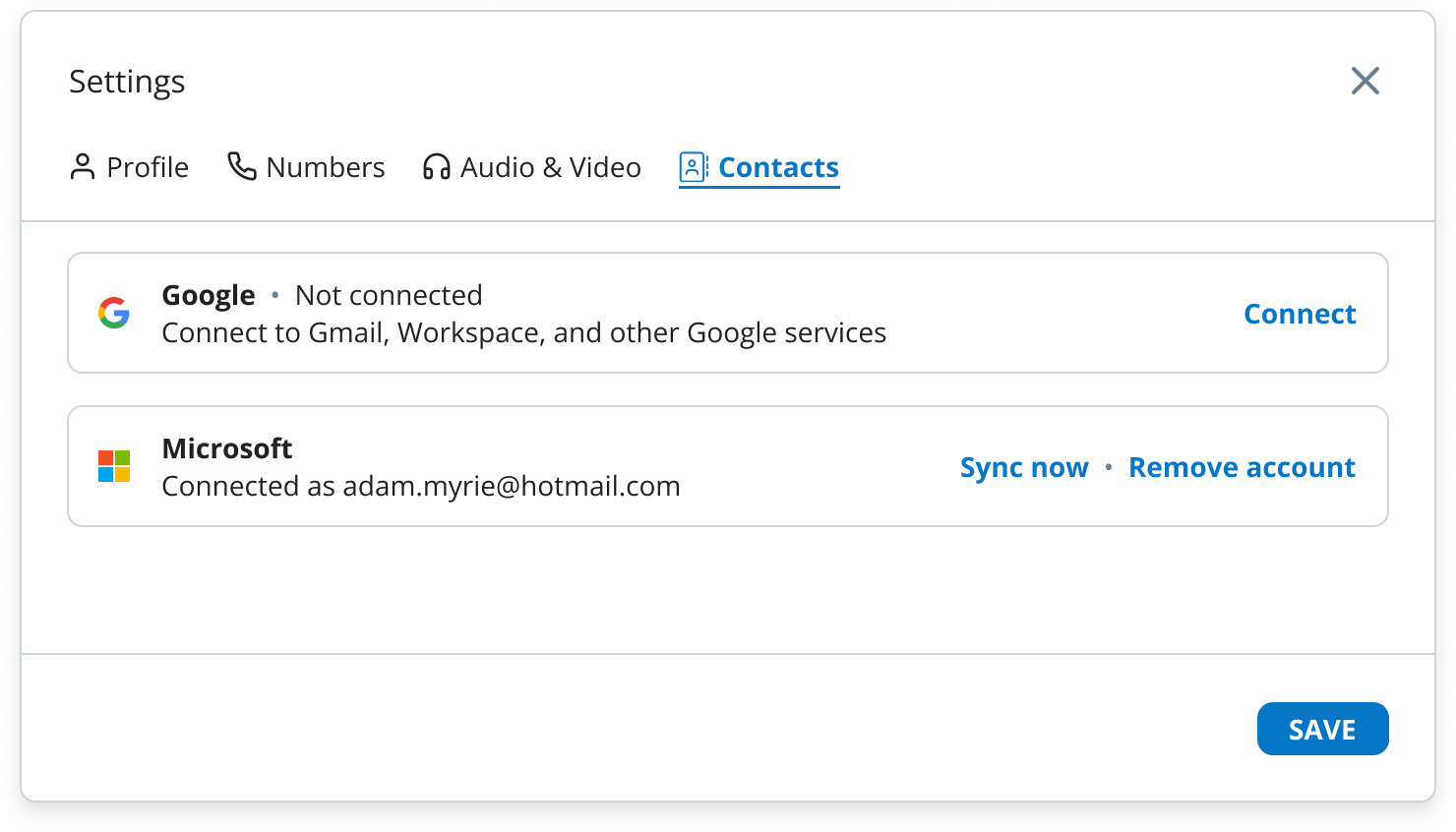
Synchronisation can fail for several reasons: