








Caller Music lets you play custom audio or messages to callers while they wait. This is more engaging than a standard ringtone and can showcase your products and promotions.
-
Select Switchboard.
-
Select your number (usually your main number).
-
Select Media.
-
Expand Caller Music.
-
Click Choose file to upload your audio file.
-
Click Save to update.
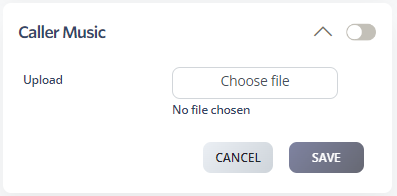
You can add multiple files. They’ll play in the order you uploaded them and loop until the call is answered.
Media Requirements
Format: Only MP3 files are supported. Convert WAV or other formats to MP3 first.
File size: Media files should be under 41,000 Hz 96k and less than 1.5 MB. If callers experience dropped calls, check the file size.