AI Voice Agent
Never miss another call.
Learn more


AI Voice Agent
Never miss another call.
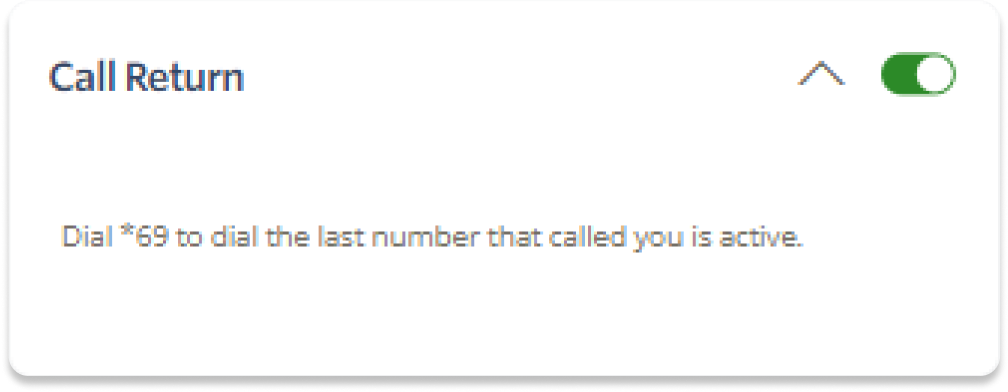
Call Return lets you redial the last number you called using a shortcode. This is useful for phones that don’t have this functionality built in.
Log in to your account.
Select Switchboard.
Select your number.
Select Outbound > Call Return.
Toggle the setting to On.
To call the last number again, press *69.