








Record inbound and/or outbound calls with automatic AI transcription of recorded audio.
-
Select Switchboard > your number.
-
Select Advanced > Call Recording > Set Preferences.
-
Click Save.
Recording Options
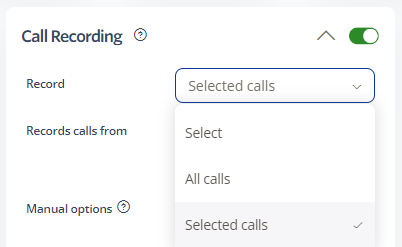
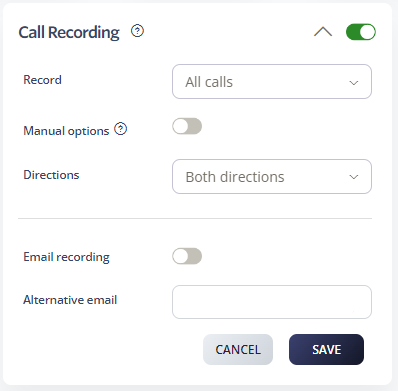
Record: Choose which calls to record.
-
All calls: Records every incoming and outgoing call automatically. Provides a complete record of all communications.
-
Selected calls: Record only specific calls based on criteria you set. You must specify the number(s) to record.
Manual pause: Allow callers to press *3 during a call to pause recording.
Directions: Choose which calls to record: both directions, outbound only, or inbound only.
Email recording: Send a copy to the email in your Personal Details.
Alternative email: Send recordings to a different email address.
AI Transcription
AI Transcription automatically converts recorded calls into text for easier review and analysis.
Access Transcriptions
-
Log in to your account.
-
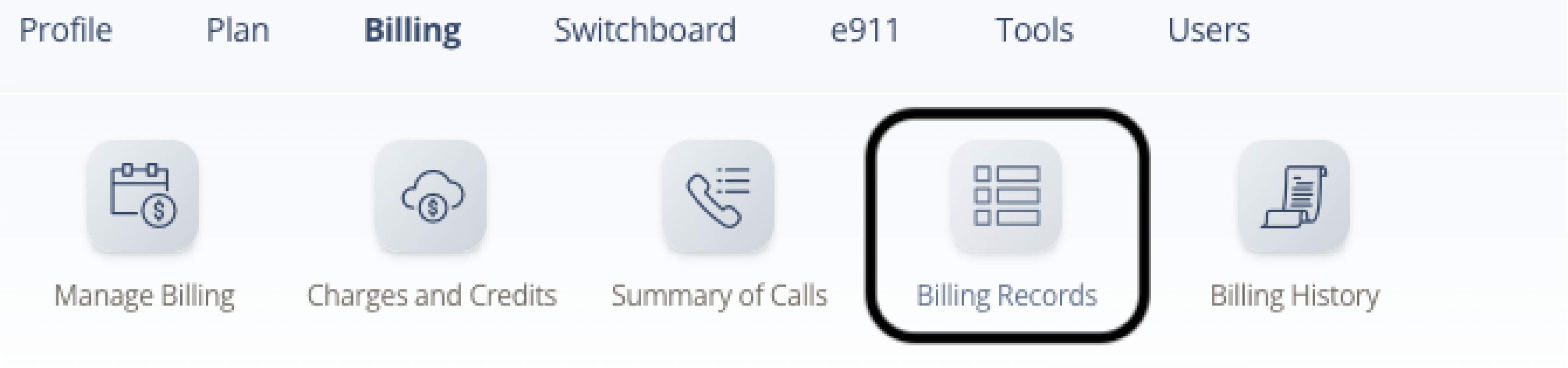
Select Billing > Billing Records.
-
Use the filters to find the call you want, then click Search.
-
Click the Transcription icon for the call.
-
The transcription opens for review.
Note: Transcriptions are available approximately 10 minutes after the call ends.
Legal Compliance
Call Recording must comply with local laws. Ensure all parties are aware that recording is enabled.