








The History page lets you track all calls, missed calls, and conferences made or received in the app.
All Calls
-
Log in to the app.
-
Tap History > All Calls.
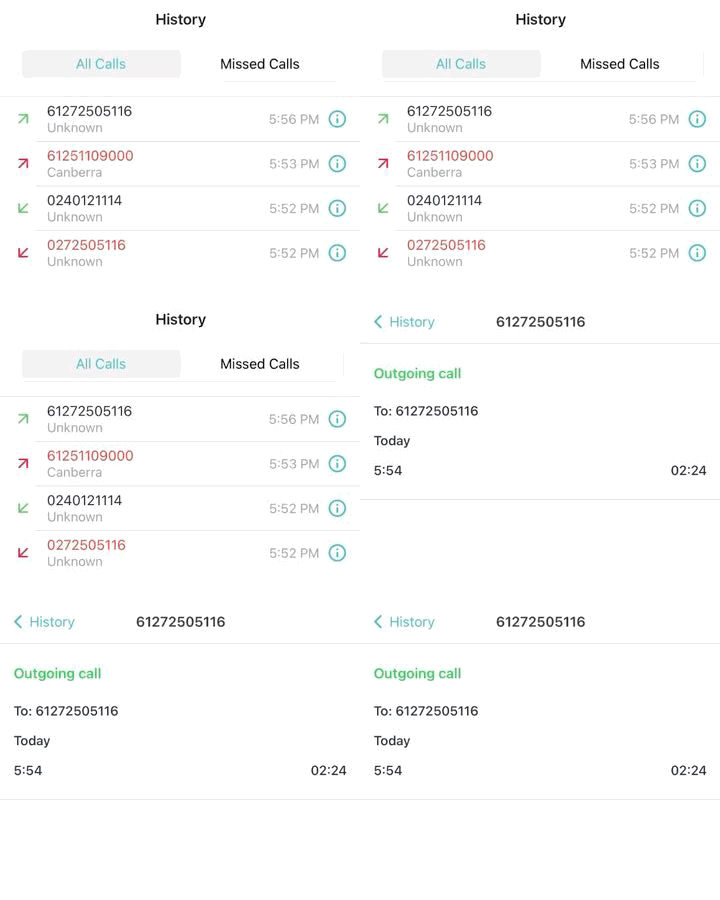
All Calls is the default view and displays all received and made calls, missed calls, and video conference records.
Calls shown in green indicate completed calls. Check the arrow next to the number to see whether it was inbound or outbound, or tap the details icon for more information. Calls shown in red indicate missed calls — use the arrow or details icon to determine the direction.
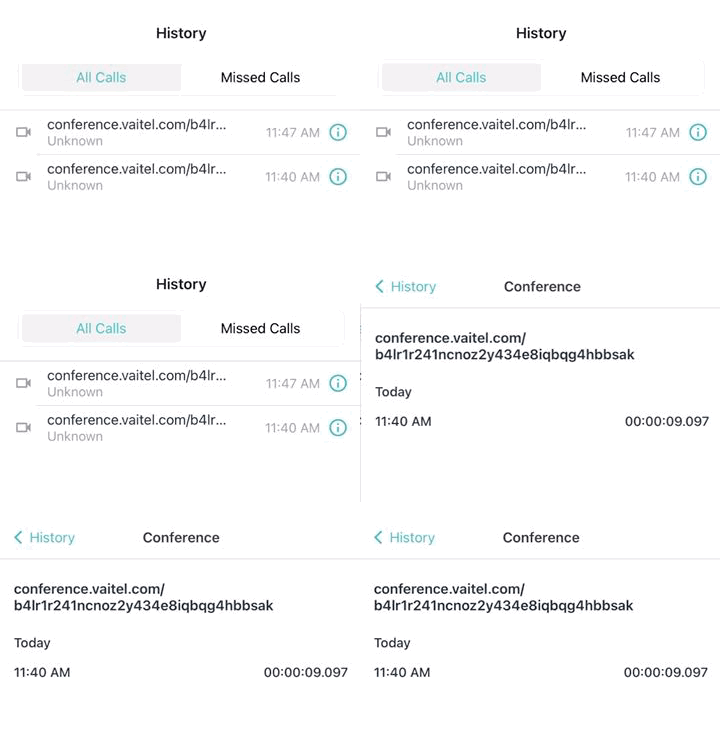
Conference records are displayed in the All Calls section and show the meeting link. Both host and guest see the same records. Tap the details icon to see the full link and conference duration.
Missed Calls
-
Log in to the app.
-
Tap History > Missed Calls.
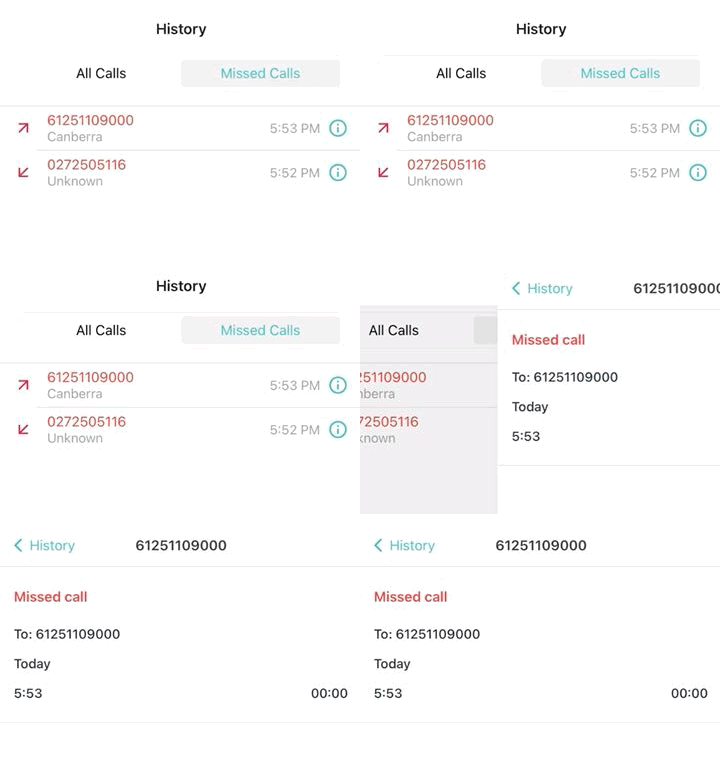
Missed Calls filters the history to show only missed calls. These calls also appear in the All Calls view.
Note: Missed calls are shown in red. Check the arrow next to the number or tap the details icon to determine whether the missed call was inbound or outbound.
To call a number from the History page, tap the number in the list or tap the details icon and then the phone icon.
Note: If you have multiple numbers added to your app, the History page displays calls for all of them.