AI Voice Agent
Never miss another call.
Learn more


AI Voice Agent
Never miss another call.
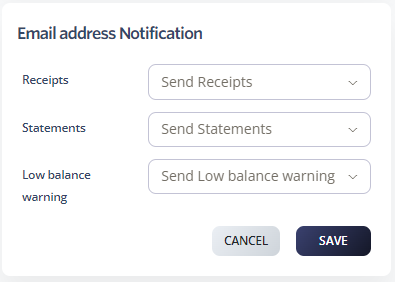
Stay on top of your account balance and billing updates by setting up email notifications.
Log in to your account
Select Profile > Contact Information
Select the notifications you want sent to your email, such as Receipts, Statements, and Low Balance warning
Click Save