








Add up to four numbers to the SIPcity App. You can make and receive calls using any of these numbers.
Add a number
-
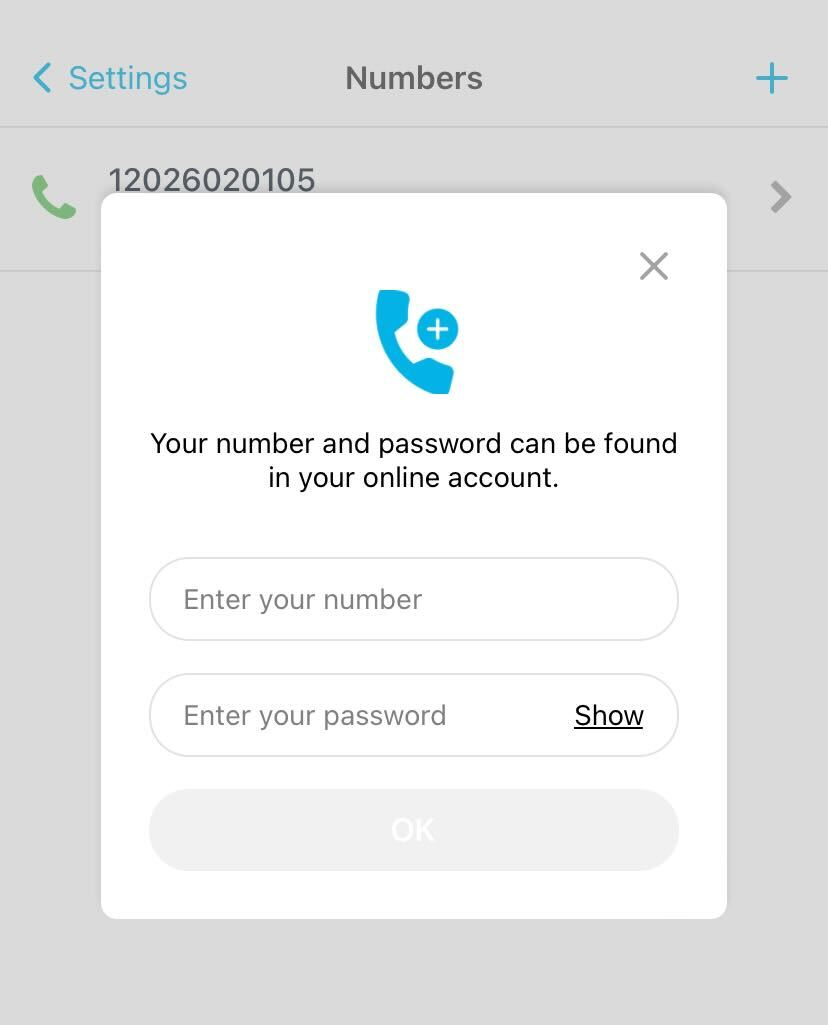
Tap Settings > Numbers.
-
Tap the + button (top right).
-
Enter your number.
-
Enter your password.
-
Tap OK.
Note: The number you use to log in becomes your default number.
Remove a number
-
Tap Settings > Numbers.
-
Tap the number you want to remove.
-
Tap Remove number at the bottom of the page.