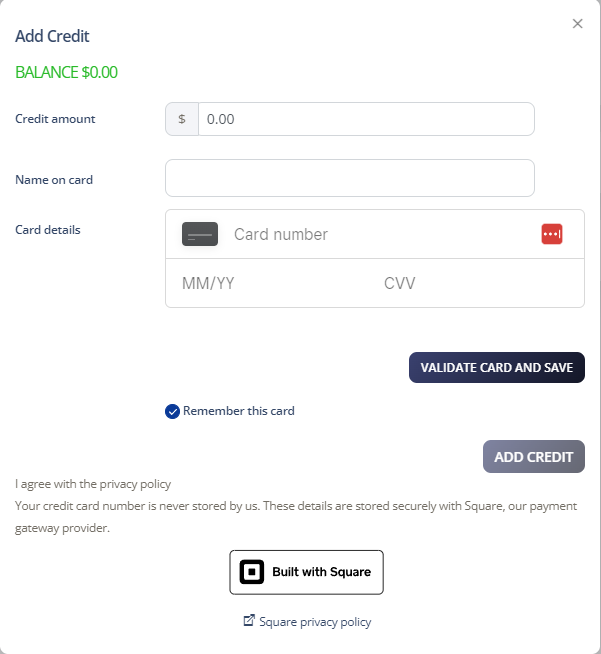
Adding credit to your account is straightforward. You can save your credit card information within your Cloud PBX to make payments easier.
Add Credit
-
Log in to your account
-
Select Account > Manage Billing
-
Click Add Credit in the Payment Settings section
-
Enter the credit amount and your credit card details
-
Click Add Credit and then Accept to complete the payment