AI Voice Agent
Never miss another call.
Learn more


AI Voice Agent
Never miss another call.
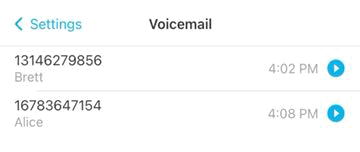
Access and manage your voicemails in the SIPcity App. Your voicemail inbox displays the caller’s number, date, and time for each message.
Tap Settings > Voicemail.
Tap the Play button to listen.
Tap Pause to pause the message (optional).
You can also access voicemail from the Dialpad by tapping the voicemail icon.
Note: If you have no voicemails, the inbox displays “There are no voicemails”.
Tap Settings > Voicemail.
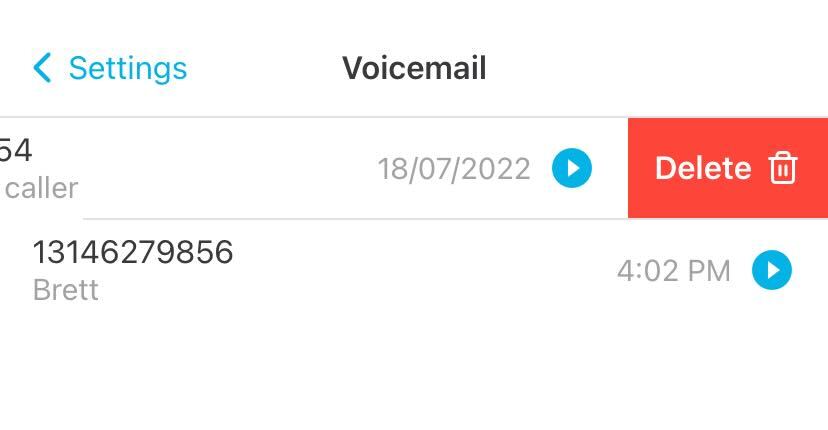
Swipe a message to the left.
Tap the trash icon and confirm Delete.