AI Voice Agent
Never miss another call.
Learn more


AI Voice Agent
Never miss another call.
A practical guide for teams moving from desk phones or another provider: what stays the same, how the move works, and straight answers to the questions businesses ask before they switch.
Arena Essentials
$19.99
per user, per month
including GST
Month to month, no lock-in
Discounts for longer terms
Keep your existing numbers
Calls, team chat and video meetings included
What stays the same
Most of what your team relies on today comes with you. In fact, for most staff the biggest change is a better app.
Your numbers
Bring your local, 1300, 13, 1800 and mobile numbers with you. We handle the port for you.
Your desk phones
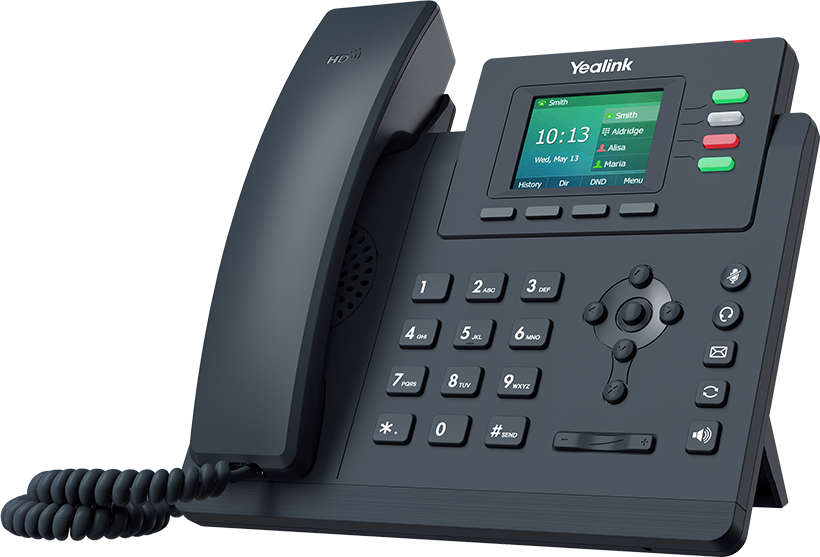
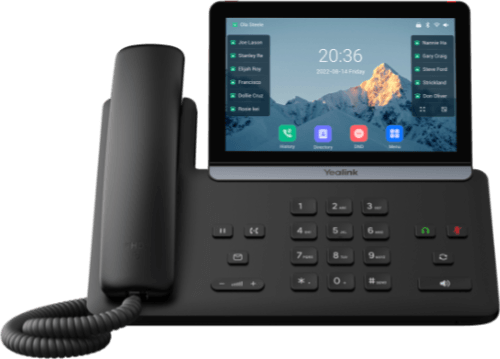
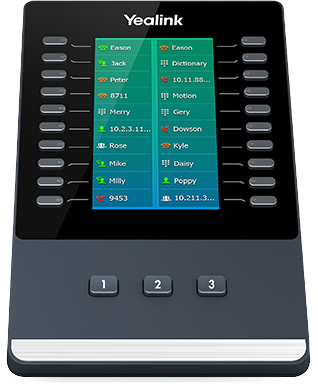
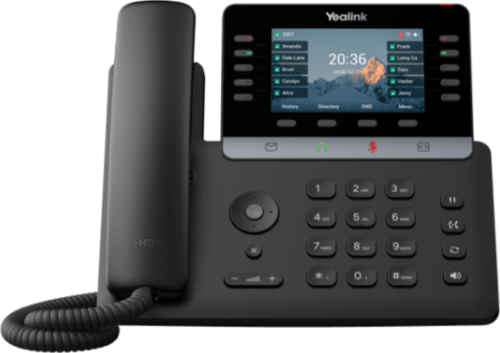
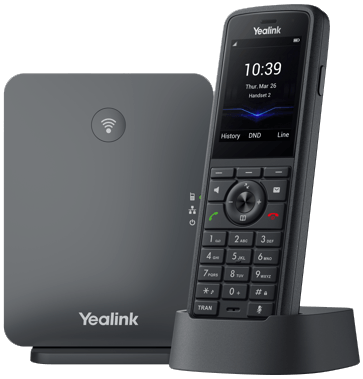
Most SIP and IP desk phones work with Arena, so you don't need to replace every handset.
Your call flows
Business hours routing, call menus and voicemail to email are all included, so callers get the same welcome.
Your internet
Arena works over any reliable internet connection, including NBN, 5G, Wi-Fi and Starlink.
Your support
Our Australian support team helps by chat, email and phone, and usually replies within minutes.
How the move works
Whether you have 5 people or 50, the move follows the same simple steps.
1
Sign up online
Choose Arena Essentials at $19.99 per user, per month. Then we activate your account.
2
Add your team
Your Account Admin adds each user and picks their plan, so everyone is ready on day one.
3
Bring your numbers
We port your numbers, usually in 4 to 6 business days. Meanwhile, they keep taking calls.
4
Connect and go
Connect your desk phones, open Arena on your desktop and set up your call flows.
Questions about switching
Straight answers to the questions we hear most from teams moving off desk phones and old phone systems.
Yes. Most SIP and IP desk phones work with Arena. Tell us which models you have, and we'll confirm before you switch.
No. Porting usually takes 4 to 6 business days, and your numbers keep taking calls until they switch over.
Any reliable internet connection works, including NBN, 5G, Wi-Fi and Starlink. Also, if someone's app can't connect, their calls can forward to a mobile.
The Arena mobile app is coming in the new year. Until then, calls can forward to a mobile, and existing SIPcity customers keep their current mobile app.
No. Arena is month to month, so you can add users as your team grows. However, if you'd like a longer term, ask us about discounts.
Yes. All SIPcity customers can call emergency 000. Learn more about Triple Zero.
Your call and customer data is hosted in Australia.
Your Account Admin adds users and sets up call flows in Arena. Plus, our Australian support team is on hand by chat, email and phone whenever you need help.
Arena Essentials is $19.99 per user, per month, with calling, team chat and video meetings included. Phone numbers are add-ons, and all prices include GST.
Our team moves you across personally. Some accounts move in minutes, while others need a little setup from our side, and your numbers stay with you.

Arena Essentials is $19.99 per user, per month, including GST. Month to month, with your numbers and most desk phones coming with you.