



AI Voice Agent
Never miss another call.
Learn more


AI Voice Agent
Never miss another call.
The Device Provisioning page allows you to set up and manage the devices connected to your account. You can access it by selecting Devices from the navigation menu on the left-hand side of the screen.
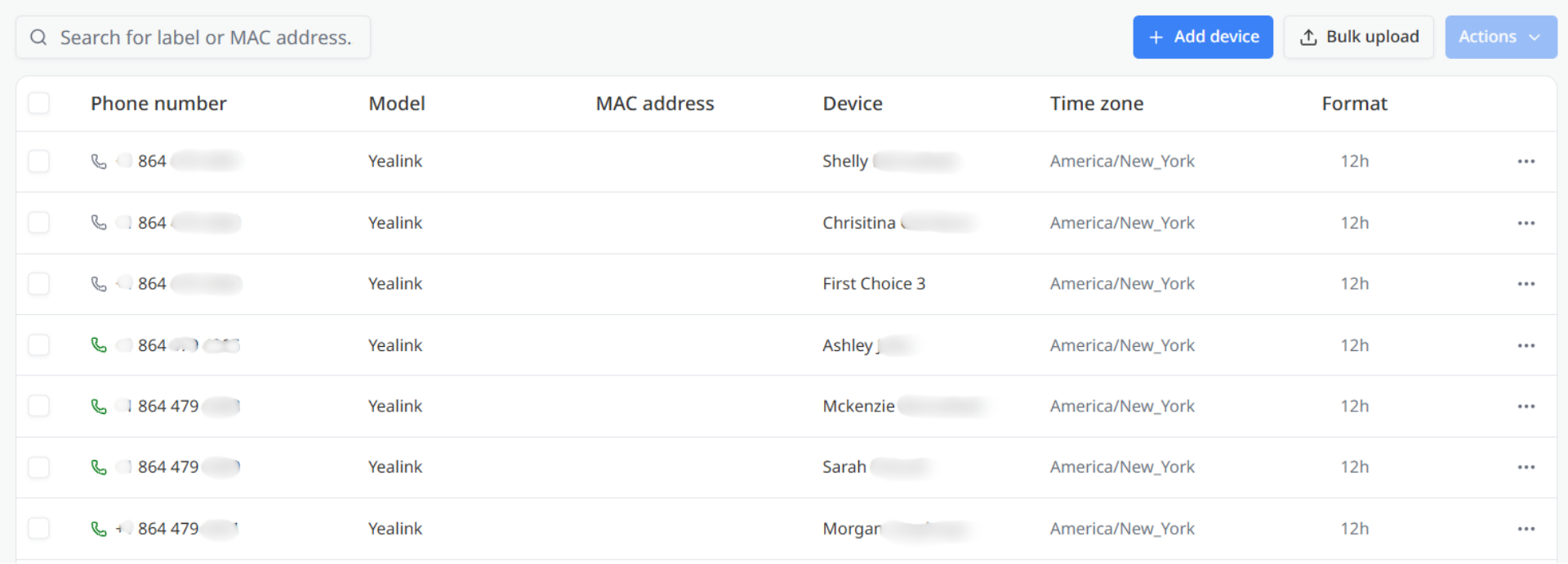
Use the search field at the top of the page to locate a device by entering its Device label or MAC address.
To the right of the search field, you can access the following actions:
The main section of the page displays the devices provisioned on your account. Each row represents a device and includes:
If no devices have been provisioned, the page displays No records found.
The Lines section allows you to assign phone numbers to the device.
Select Add line to add additional lines as needed.
Each line contains:
When you have finished configuring the device:








