AI Voice Agent
Never miss another call.
Learn more


AI Voice Agent
Never miss another call.
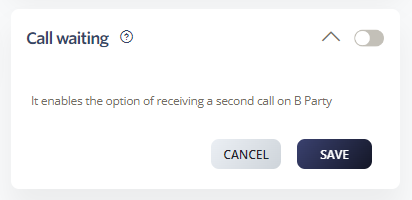
Call Waiting lets you hold an existing call to answer an incoming call. When enabled, this feature allows you to manage multiple calls.
Select Switchboard > your number.
Select Inbound > Call Waiting.
Configure your settings.
Click Save to update your changes.
Call Waiting is enabled by default. If disabled, a second incoming call will receive a busy signal.
*61: Enable Call Waiting
*81: Disable Call Waiting