



AI Voice Agent
Never miss another call.
Learn more


AI Voice Agent
Never miss another call.
Caller Music lets you play custom audio or messages to callers while they wait. This is more engaging than a standard ringtone and can showcase your products and promotions.
Select Switchboard.
Select your number (usually your main number).
Select Media.
Expand Caller Music.
Click Choose file to upload your audio file.
Click Save to update.
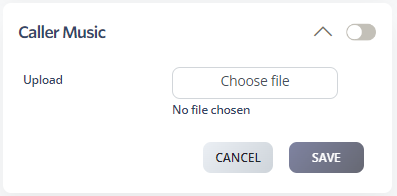
You can add multiple files. They’ll play in the order you uploaded them and loop until the call is answered.
Format: Only MP3 files are supported. Convert WAV or other formats to MP3 first.
File size: Media files should be under 41,000 Hz 96k and less than 1.5 MB. If callers experience dropped calls, check the file size.








