AI Voice Agent
Never miss another call.
Learn more


AI Voice Agent
Never miss another call.
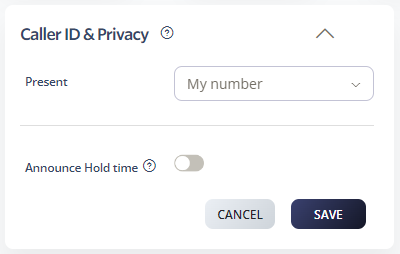
Caller ID Privacy lets you control what number appears when you make a call. You can display your number, a number from your account, or remain anonymous.
Select Switchboard.
Select your number.
Select Outbound > Caller ID & Privacy.
Choose one of these options:
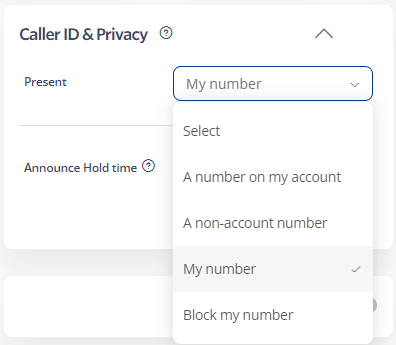
A number on my account: Display the Caller ID of any number in your account.
My number: Display your own number as the Caller ID.
Block my number: Make anonymous outbound calls with no Caller ID displayed.
Optionally enable announcement playback when you dial out using shortcodes *65 or *67. This is useful if you frequently switch between showing and hiding your number.
Click Save to update settings.