



AI Voice Agent
Never miss another call.
Learn more


AI Voice Agent
Never miss another call.
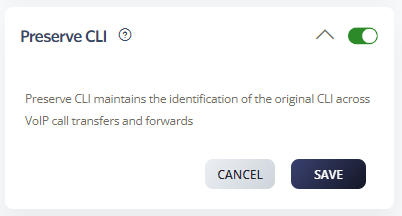
Preserve CLI maintains the caller line identification of the original call across VoIP forwards. This is important for security, billing, compliance, and transparency.
Go to Switchboard > Number.
Select Inbound > Preserve CLI.
Click Save to update settings.
Party A: Jack calls Wendy.
Party B: Wendy has a call forward to Roger.
Party C: Roger receives Jack’s CLI.
Note: Without Preserve CLI, Roger would only see Wendy’s CLI (Party B).








