AI Voice Agent
Never miss another call.
Learn more


AI Voice Agent
Never miss another call.
Virtual Fax (vFax) replaces a traditional fax machine by using your email to send and receive faxes. You can easily manage who sends and receives faxes, discard unwanted messages, and eliminate paper and fax toner.
Portrait A4 or smaller in the following formats: PDF, JPEG, PostScript, and TIFF. Microsoft Word documents are not supported.
Send faxes by emailing documents to [number]@fax.sipcity.com.au (for example, [email protected]).
If you have multiple fax numbers associated with a shared email address, include your sender fax number in the email subject line. For example, to send a fax from 61298765432 to 61398765433, email the document to [email protected] and put 61298765432 in the subject line.

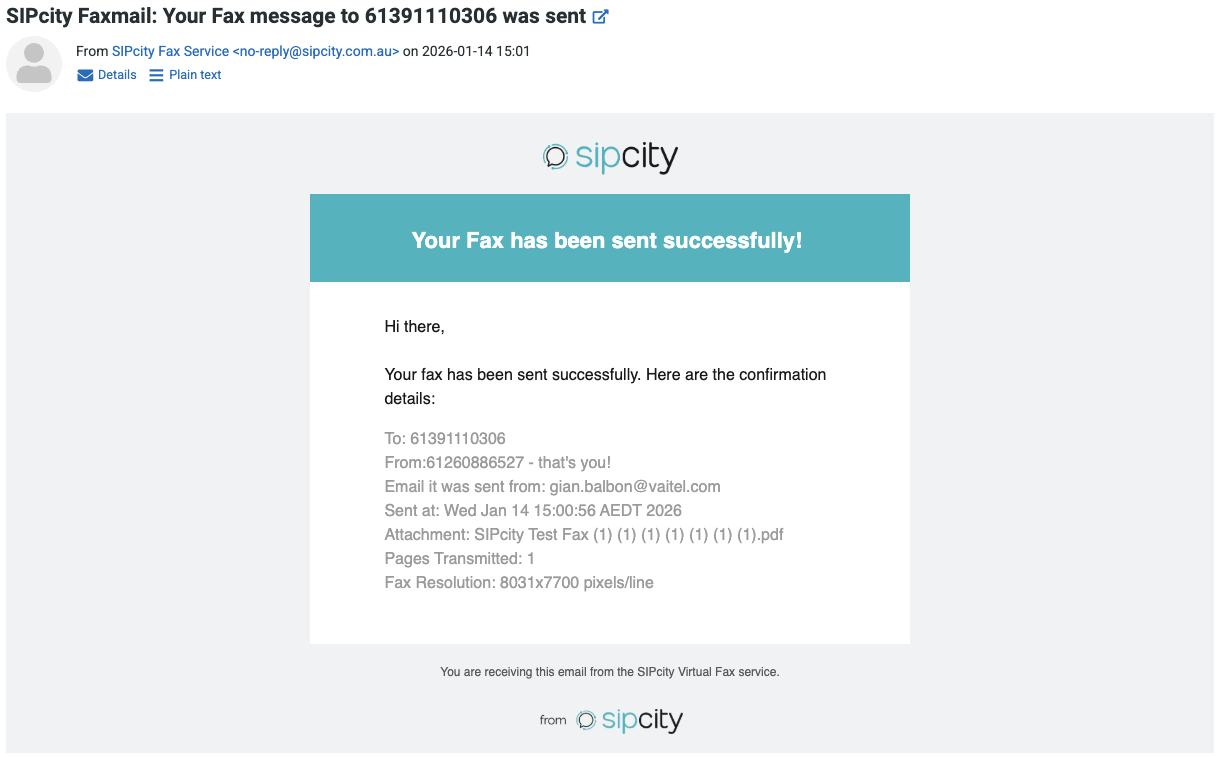
We will send the approved sender a confirmation email.