



AI Voice Agent
Never miss another call.
Learn more


AI Voice Agent
Never miss another call.
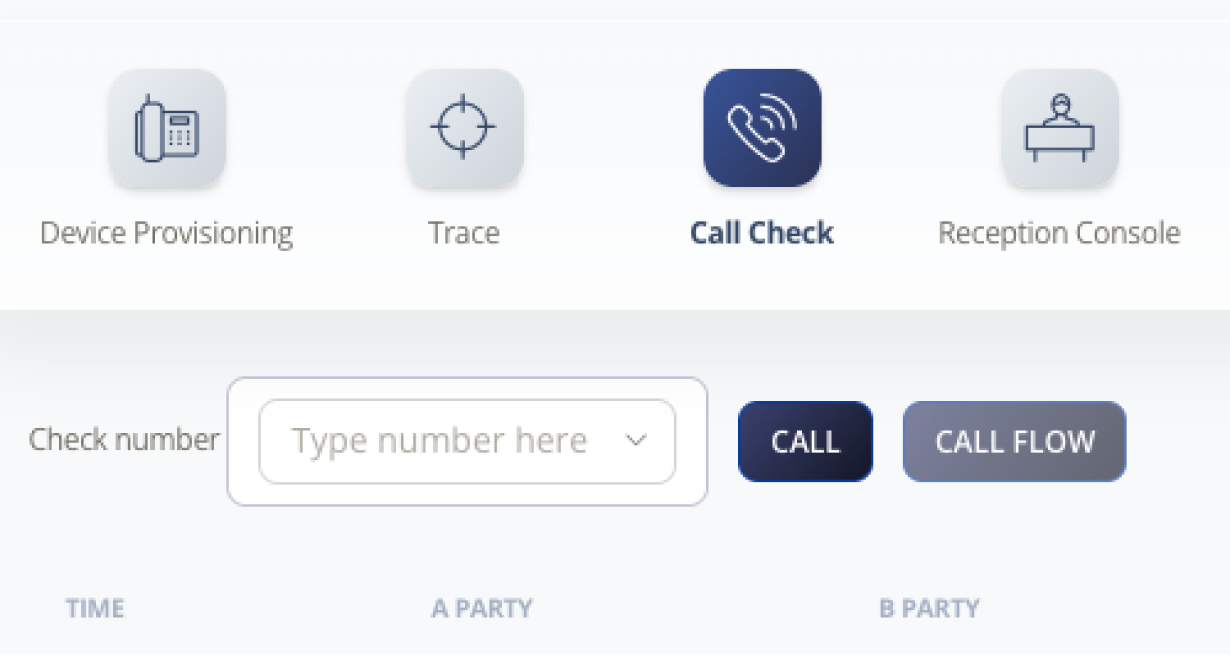
Call Check lets you verify that your number is externally accessible from outside the SIPcity network.
Log in to your account.
Select Tools > Call Check.
Select Preferences.
Call Check identifies your SIP peering configuration:
Global Peering
Standalone
Trunking








