AI Voice Agent
Never miss another call.
Learn more


AI Voice Agent
Never miss another call.
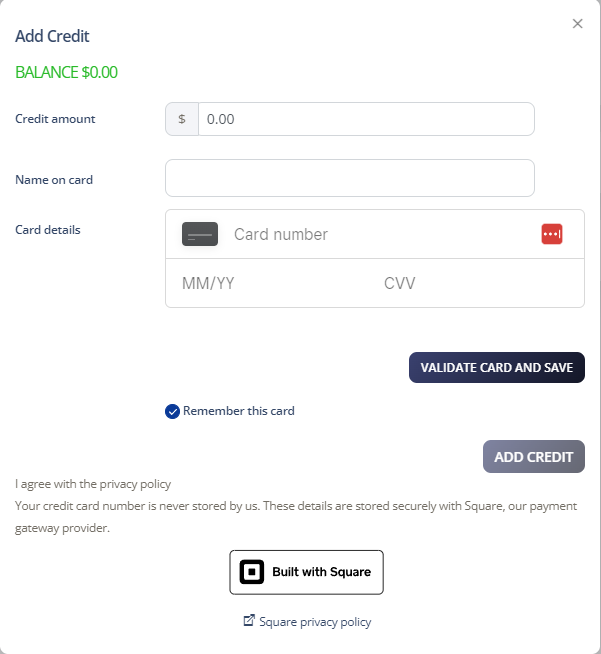
Adding credit to your account is straightforward. You can save your credit card information within your Cloud PBX to make payments easier.
Log in to your account
Select Account > Manage Billing
Click Add Credit in the Payment Settings section
Enter the credit amount and your credit card details
Click Add Credit and then Accept to complete the payment