AI Voice Agent
Never miss another call.
Learn more


AI Voice Agent
Never miss another call.
Update your credit card details in your account.
Log in to your account.
Select Account > Manage Billing.
Click Update my Payment Method.
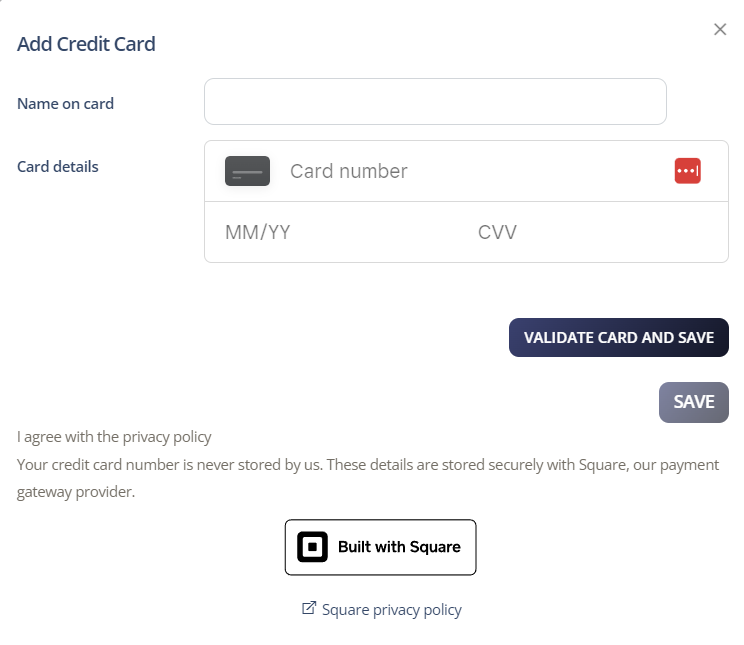
Enter your new credit card details.
Click Validate Card then Save.