AI Voice Agent
Never miss another call.
Learn more


AI Voice Agent
Never miss another call.
The Web App includes a video conferencing feature that lets you conduct meetings with colleagues in your company directory or external contacts.
To initiate a video conference with people outside your company:
Log in to the Web App.
Click the Video Conference button.
Copy the generated meeting room link and share it as needed.
Optionally, share the link via email using your default mail client, Google, Outlook, or Yahoo!, or add it to Google or Outlook Calendar.
Open the sidebar.
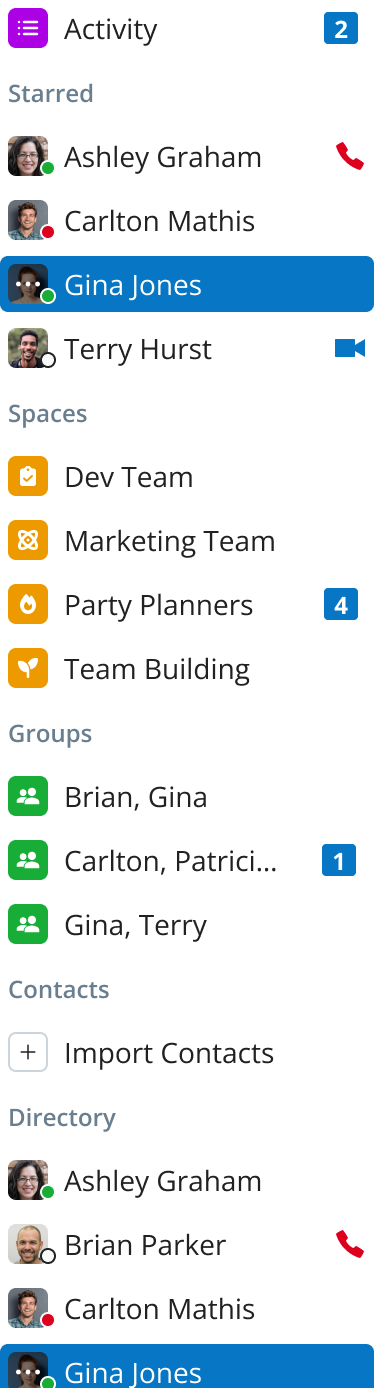
Select a directory contact or group.
On the chat page, click the Video Conference button to send a meeting invite.
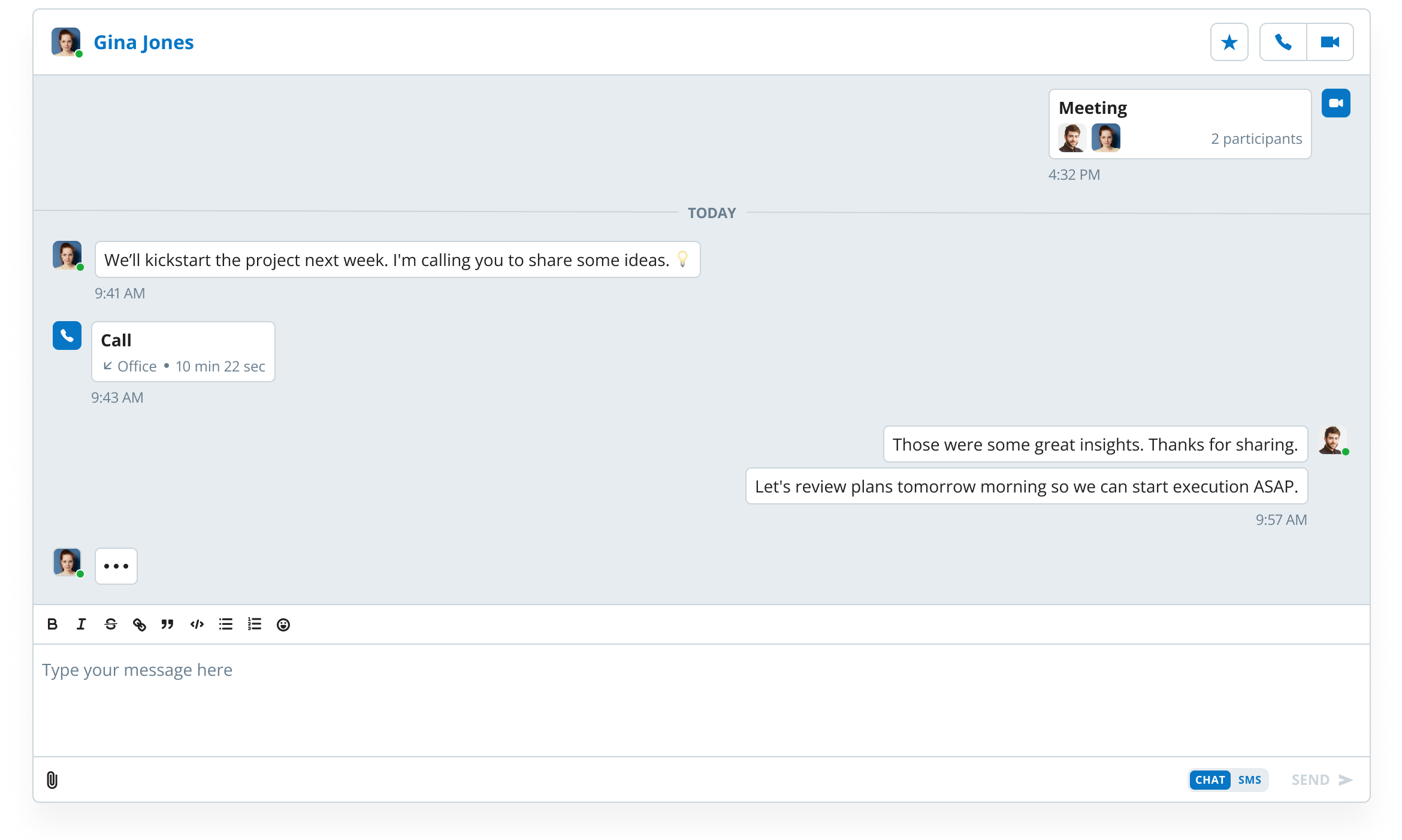
The Presence for Video Conference feature allows you to check the availability status of your contacts in the directory, specifically indicating when they are in a meeting.