



AI Voice Agent
Never miss another call.
Learn more


AI Voice Agent
Never miss another call.
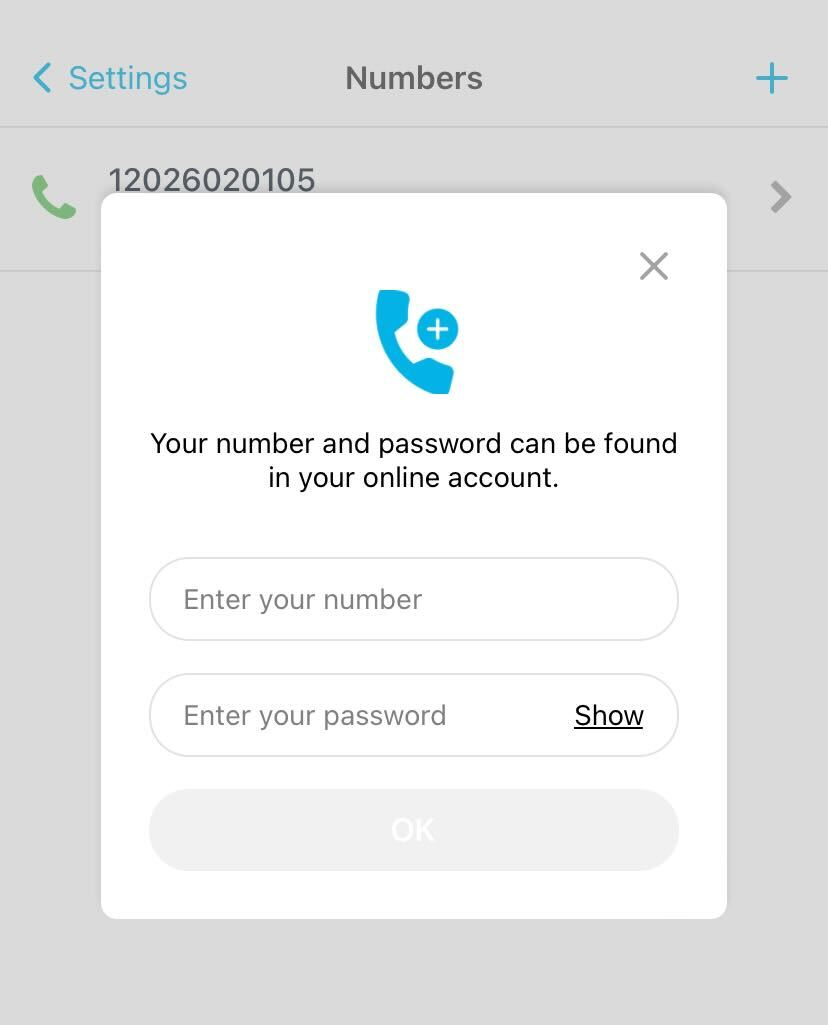
Add up to four numbers to the SIPcity App. You can make and receive calls using any of these numbers.
Tap Settings > Numbers.
Tap the + button (top right).
Enter your number.
Enter your password.
Tap OK.
Note: The number you use to log in becomes your default number.
Tap Settings > Numbers.
Tap the number you want to remove.
Tap Remove number at the bottom of the page.








