AI Voice Agent
Never miss another call.
Learn more


AI Voice Agent
Never miss another call.
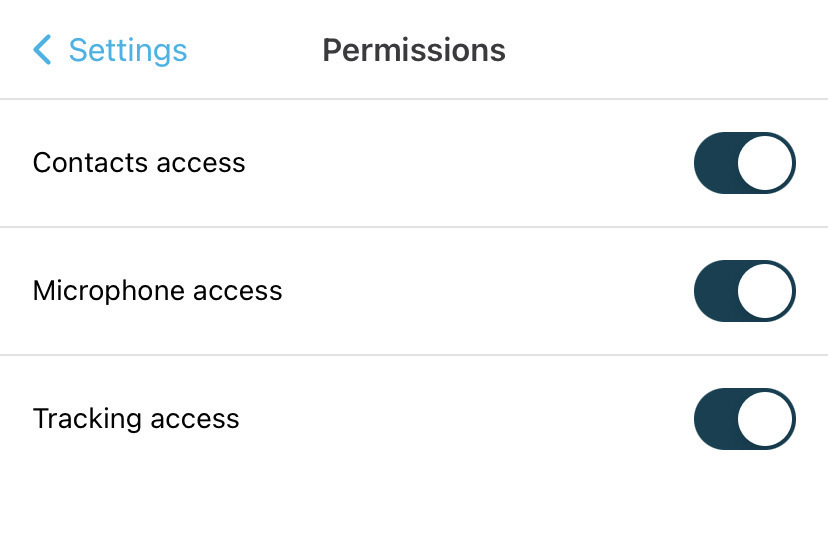
App Permissions improve your experience when using the SIPcity mobile app. You’ll need to enable permissions on your mobile device for the app to access contacts, microphone, and tracking data.
Log in to the SIPcity app.
Tap Settings > Permissions.
Toggle Contact Access, then confirm and go to your device settings.
Enable the app’s contact access permission, then return to the SIPcity app.
Tap Settings > Permissions.
Toggle Microphone Access, then confirm and go to your device settings.
Enable the app’s microphone access permission, then return to the SIPcity app.
Tap Settings > Permissions.
Toggle Tracking Access, then confirm and go to your device settings.
Enable the app’s tracking access permission, then return to the SIPcity app.
Your permissions are now configured.