



AI Voice Agent
Never miss another call.
Learn more


AI Voice Agent
Never miss another call.
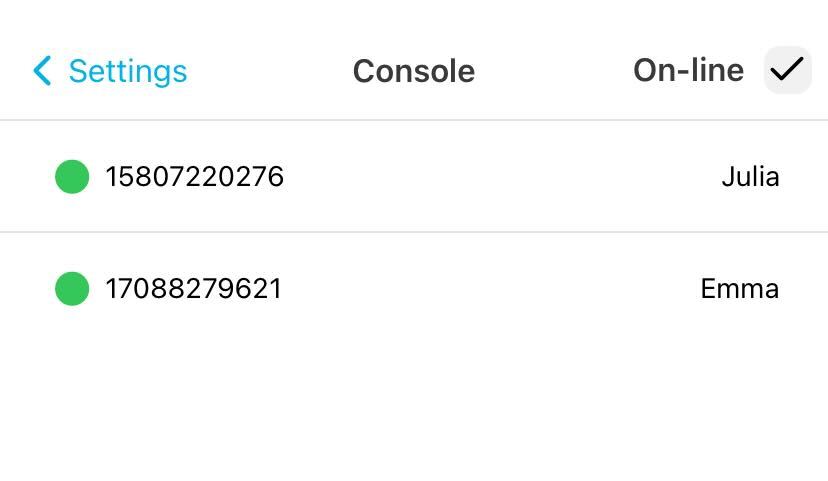
Console shows all lines on your account and their current login status, indicating which numbers are active and available.
Go to Settings > Console.
All online lines are displayed by default.
To view only offline lines, toggle the Online checkbox at the top right.
A green indicator means the line is available; black means it is unavailable. You can make an outbound call by tapping any line.
Log in to the Web App.
Go to Settings > Console.
Tap the line you want to use for the call.








