








Purpose
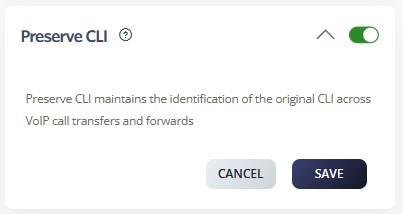
Preserve CLI maintains the original caller’s phone number information when the system transfers or forwards calls. Moreover, CLI preservation ensures the receiving party sees the actual caller’s number rather than intermediate routing numbers. As a result, this feature maintains caller identity transparency throughout the call journey.
How to Navigate
First, log in to the SIPcity portal. Then, navigate to SwitchBoard | Inbound | Preserve CLI section.
How to Configure
- Enable the Preserve CLI feature
- Configure CLI preservation rules
- Set up number format preferences
- Define which call scenarios preserve CLI
- Configure international number handling
- Test CLI preservation functionality
- Save configuration changes
-
Scenario:
-
A Party – Jack places a call to Wendy.
-
B Party – Wendy has configured a call forward to Roger.
-
C Party – Roger receives the call and sees Jack’s CLI.
-
Note: If Preserve CLI is not enabled, Roger will only see Wendy’s CLI (the B Party) instead of Jack’s
Call Flow Priority – #7
Preserve CLI operates at priority level 7. Therefore, it maintains original caller identification information throughout call transfers.
Conference → Rejection Strategy → Auto Attendant → Call Que → Sim Ring → Do Not Disturb → Preserve CLI
Learn more about Call Flow Priority →